
SEO Competitor Analysis Report Presentation Template
Overview
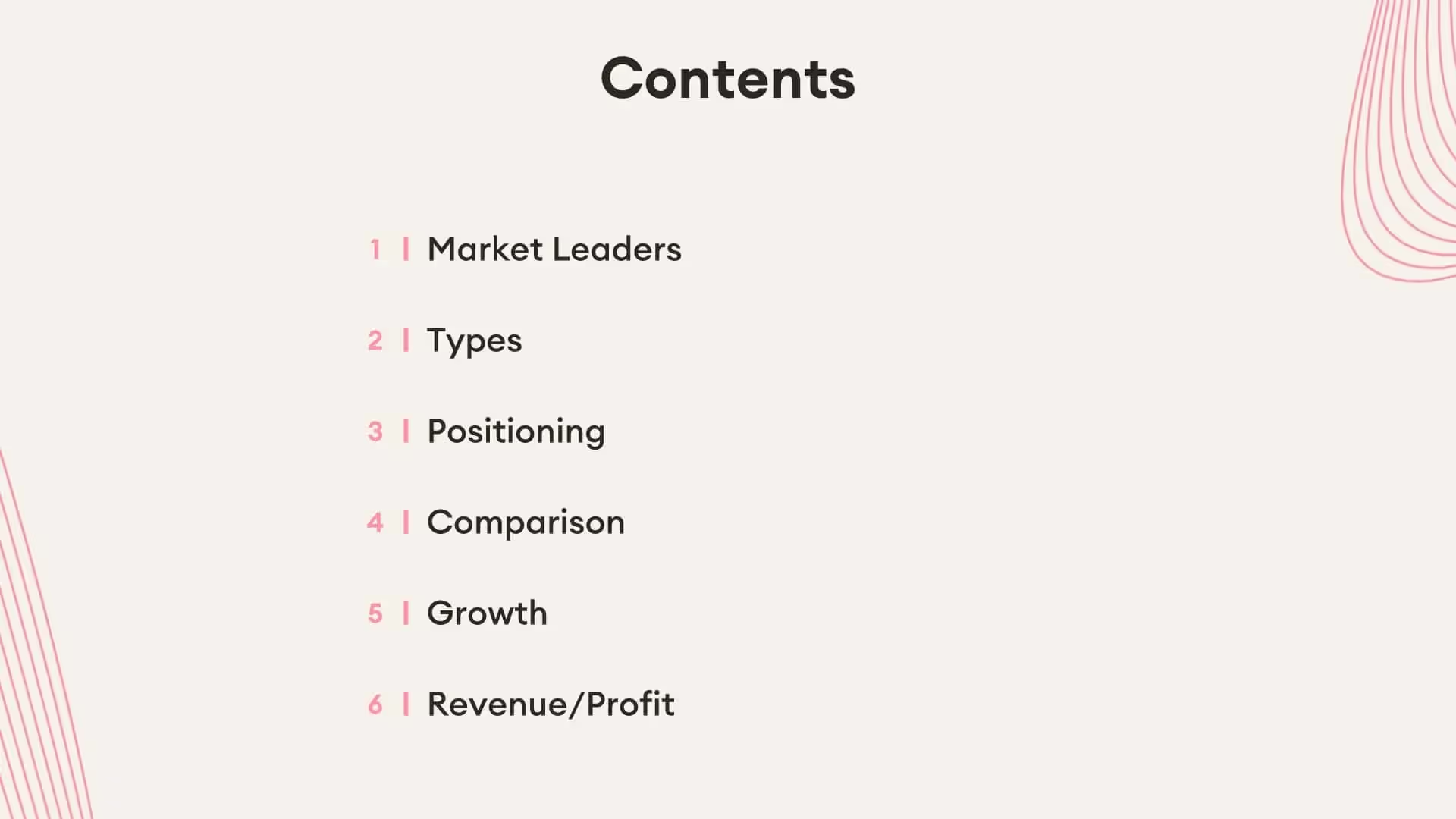
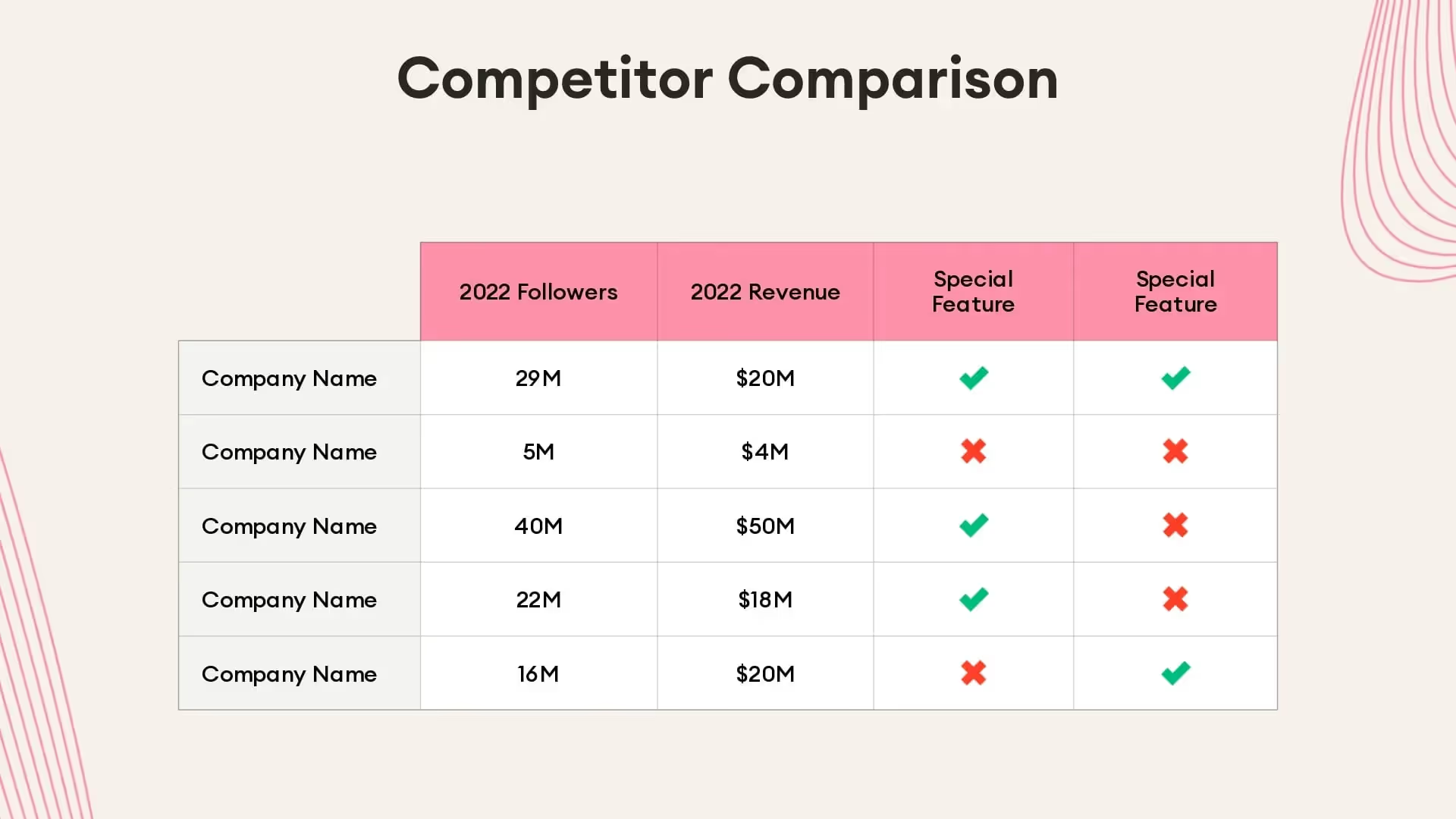
A search engine optimization (SEO) competitor analysis report is the process of comparing keywords and content between two competing websites in similar industries. This can help teams explore which companies are ranking higher than them in the Google search engine and why. Teams can improve the overall success of their SEO efforts by taking advantage of Beautiful.ai’s SEO competitor analysis report presentation.
The customizable template has everything you need to pit two websites against each other in a comprehensive SEO competitive analysis. A successful SEO competitor analysis report presentation can help content teams define new opportunities and increase website traffic.
Our SEO competitor analysis report template can also help you:
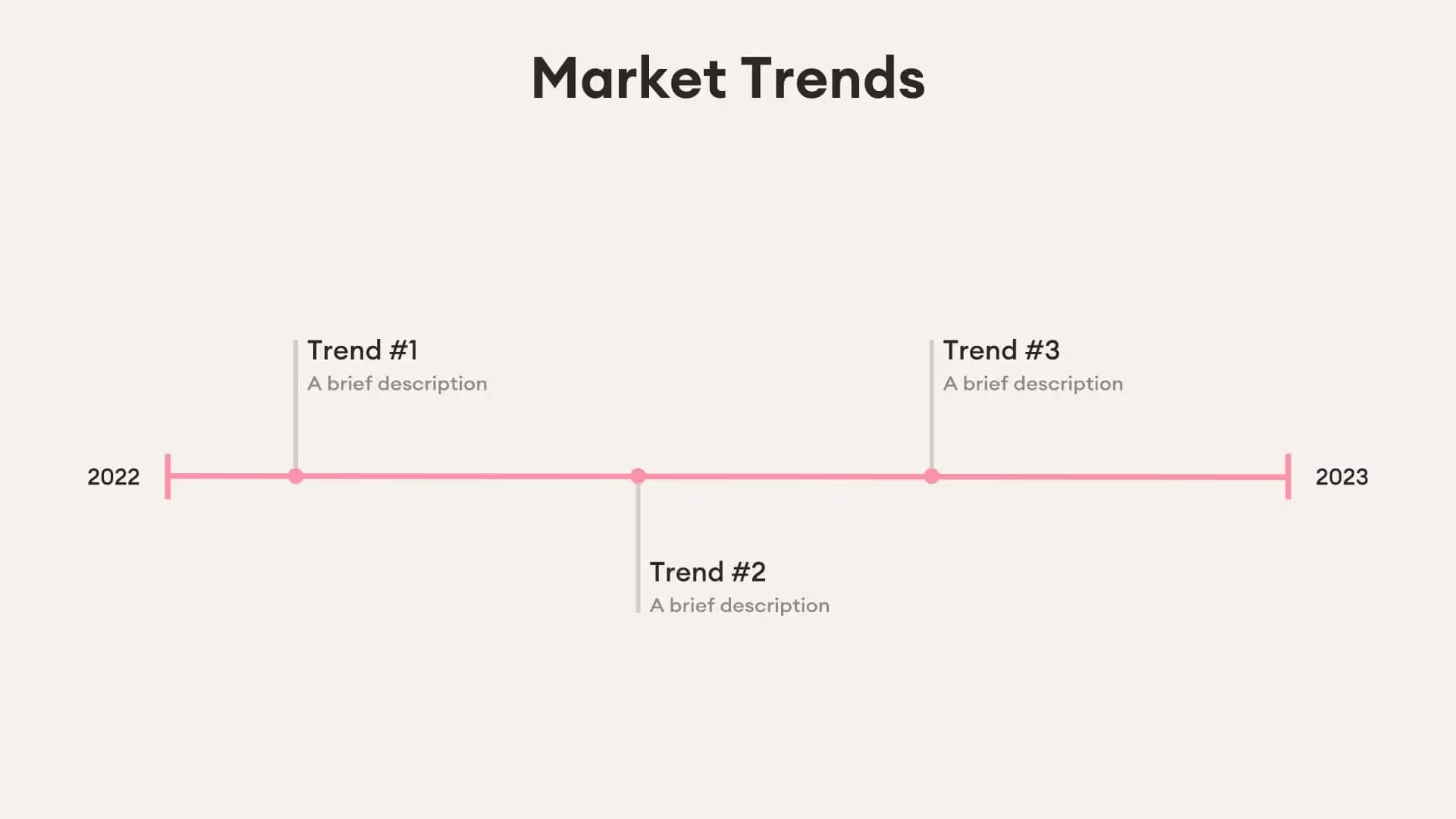
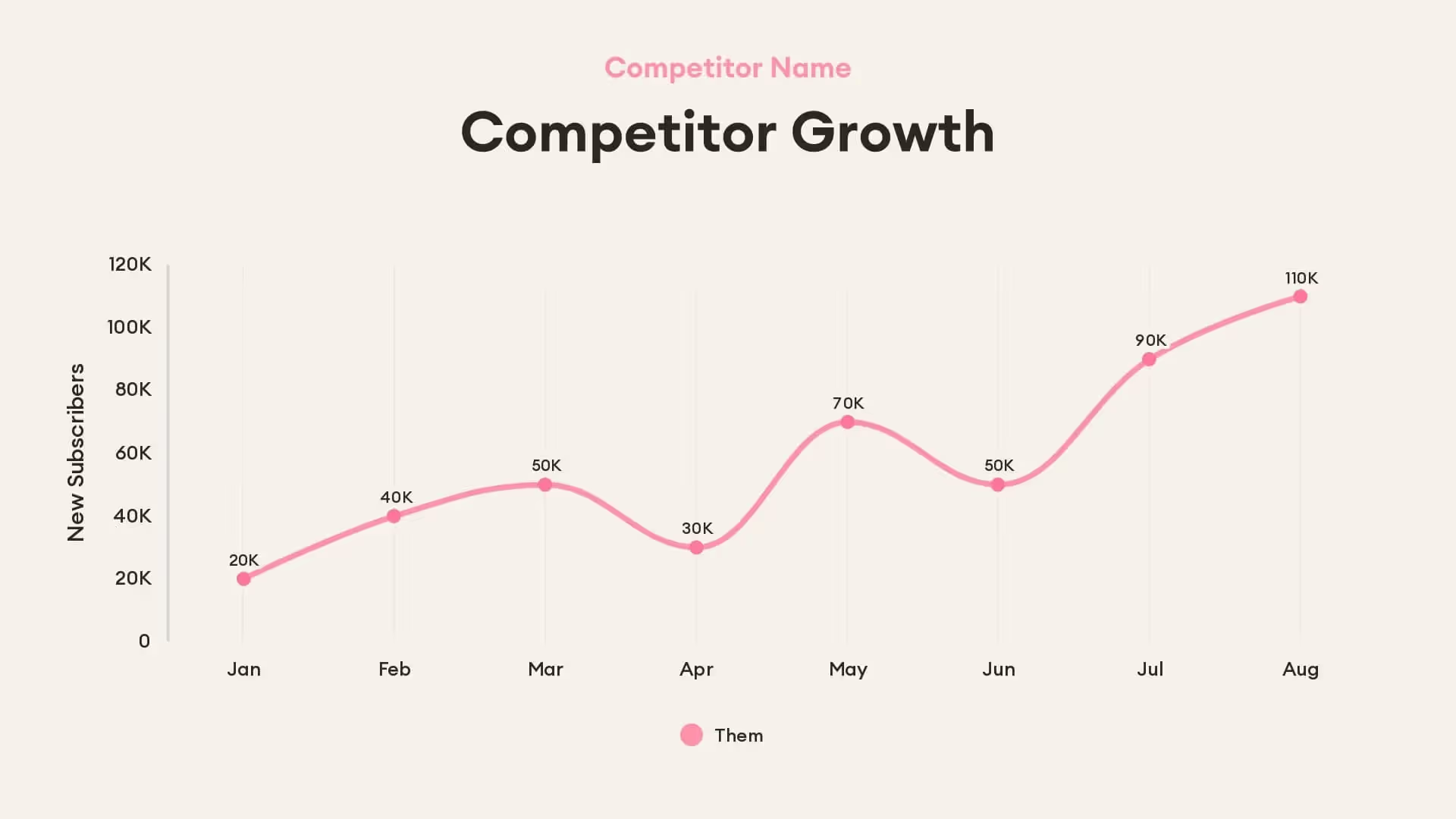
- Measure the impact of keywords over time
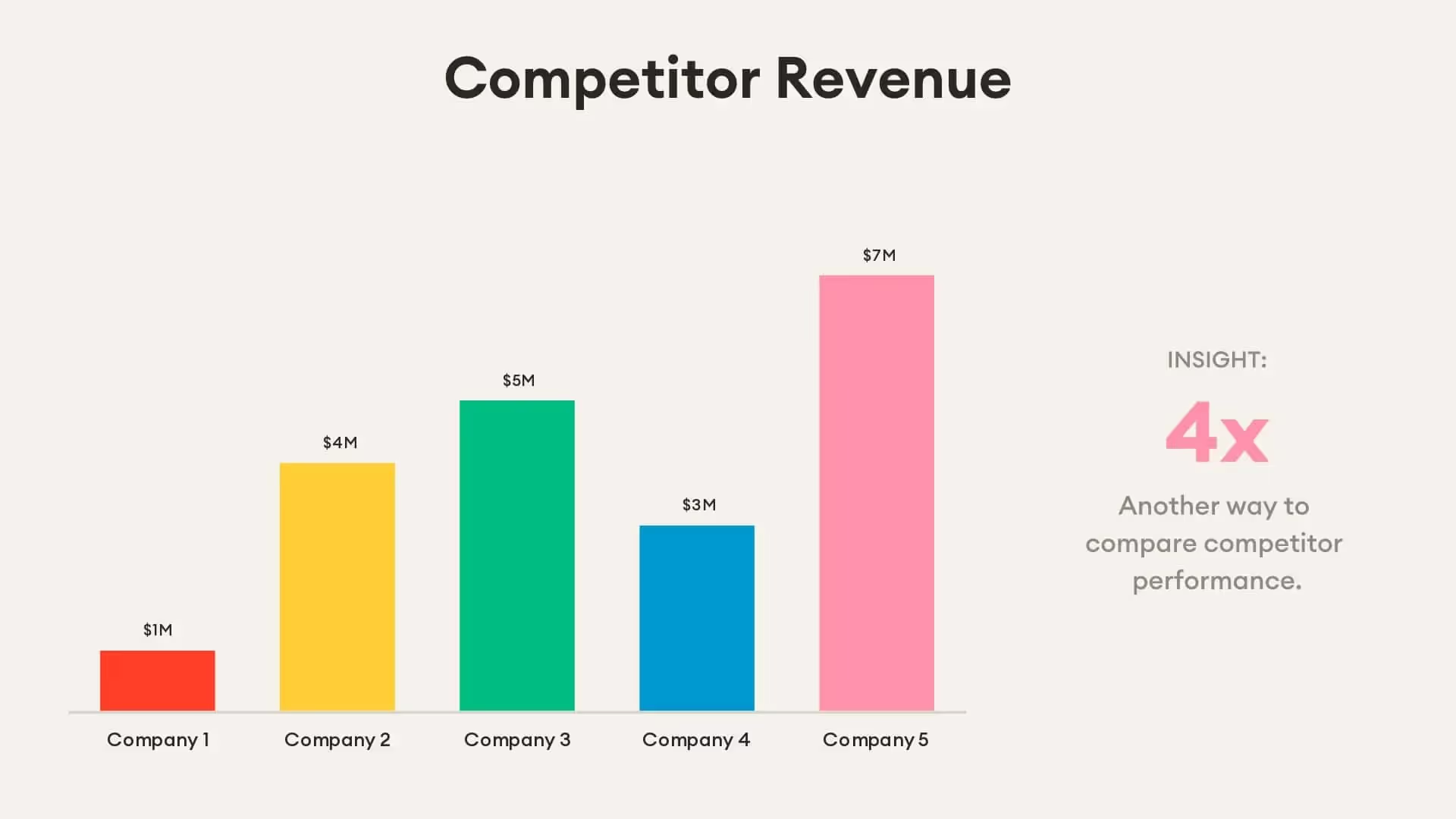
- Pit two competing websites against each other to determine which one is getting more traffic and why
- Act as an exercise to fine-tune your overarching SEO strategy
Use our template to create an effective social media audit presentation
Pro tips to create an impactful SEO competitor analysis report
Be concise with your slides
Make use of infographics
Include examples
Leave time for discussion
Related templates

Economic Advisory Presentation Template

Survey Results Presentation Template

PESTLE Analysis Presentation Template
The AI presentation maker for faster impact
With AI that kickstarts your deck and Smart Slides that handle the formatting, you can focus on your story, not the alignment. Go from create, edit, to present with designer-level polish and in a fraction of the time.
Features to ideate, edit, collaborate, and present.
We’re a complete presentation platform. Everything you need is in one place.
Smart Slides
Smart Slides auto-align, resize, and animate your content as you edit, so you focus on the message, not formatting.
Create with AI
Kickstart your ideas with AI. Just enter a prompt, add extra context, and get a beautiful presentation in seconds.
Themes & brand control
Define colors, fonts, logos, icons, and footers once. Save and reuse brand themes across decks and teams.
Data visualization
Instantly create animated charts and graphs. Link any spreadsheet for fast edits and live updates.
Image libraries
Get direct access to an expansive library of free, real-life stock images and videos, no need to leave your slide.
Presentation templates
Discover our gallery of professionally designed presentation templates, multi–slide decks built to give you a head start.
Presentation workflows
Shared slide libraries, real-time collaboration, user permissions, locked themes, and more.
Viewer analytics
Control access, and track engagement so you know what resonates, and when to follow up.
Animation & narration
Add embedded voice or video context to any slide - so your message lands clearly even when async.





“Beautiful.ai helps us quickly create clear and compelling presentations to share our strategy and results. It has been easy to integrate our branding and to pull from the library of materials created by others — building a cohesive and collaborative suite that helps us advance our mission."

"Beautiful.ai increased our efficiency. I mean, 50% sounds crazy, but it's pretty accurate when you consider all of the manual stuff that we used to have to do that Beautiful.ai now does for us."

"What you guys have created is a foolproof way to ensure quality presentations. It's almost just like they have a graphic designer over their shoulder while they're creating their decks."

“For any business owner or entrepreneur where time is of the essence you lose the ability to put those nice touches on presentations, Beautiful.ai does it for you, especially if you aren't creatively gifted!”
Related blog posts
.png)
How Do I Give My Presentation a Polished Look?
.gif)
The Ultimate Guide to AI Presentation Prompts: How To Get Better Slides From an AI Presentation Maker
.gif)
Best Practices for AI Presentations in Global Teams

Try it free for 14 days
Start building Beautiful presentations.
