
Work-ready slide templates for your next presentation
Every template is powered by Smart Slides that auto-align and adapt as you edit. Drop in your content and create polished, engaging presentations in minutes—no design skills needed.








Template collections
Smart Slide templates for every use case


Agendas, section breaks, and title slides that structure your presentation.


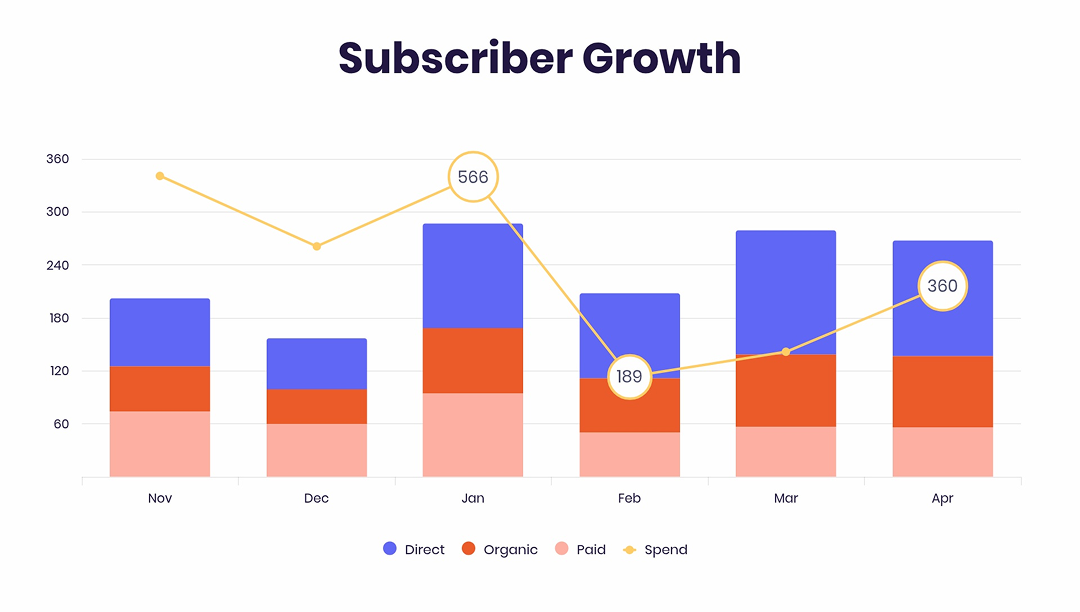
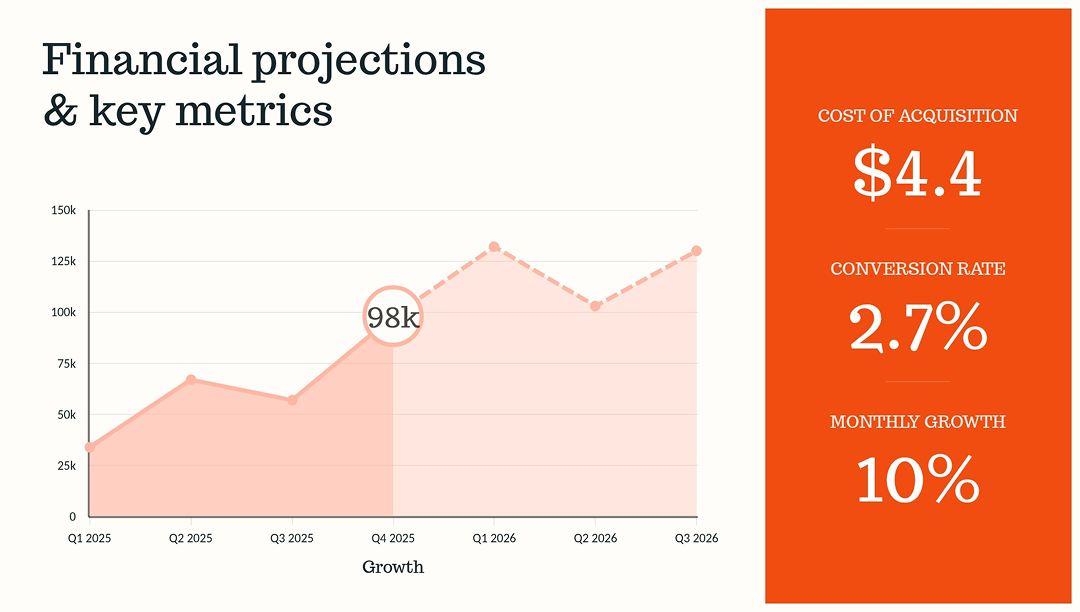
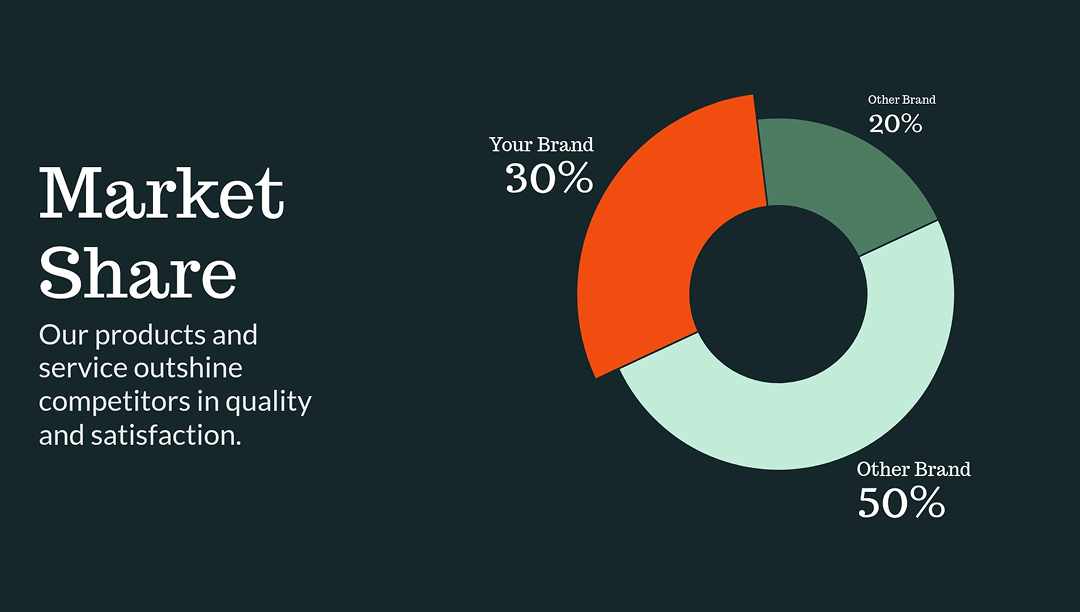
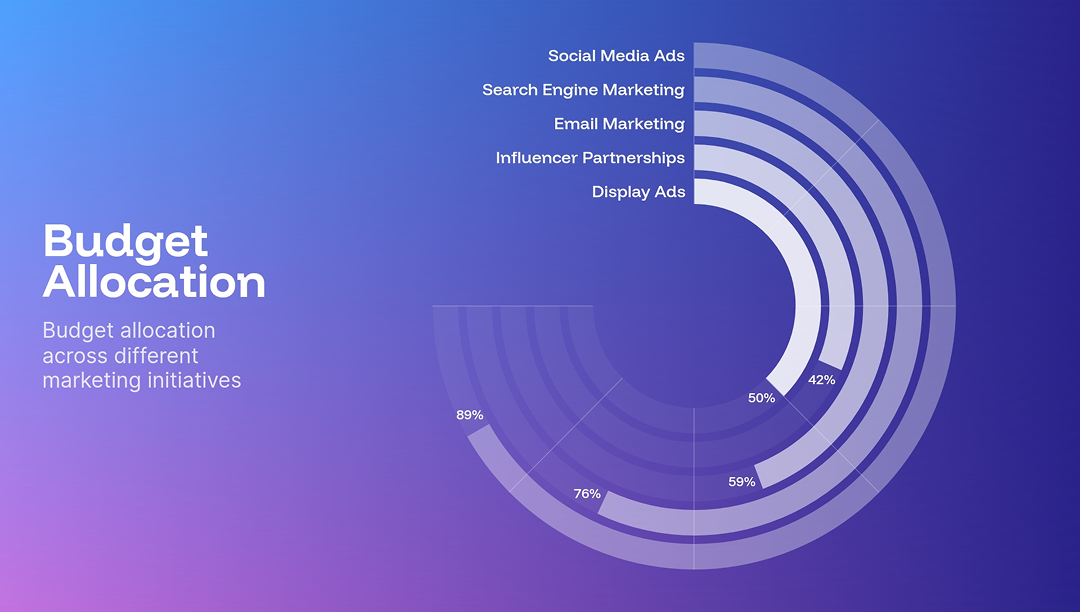
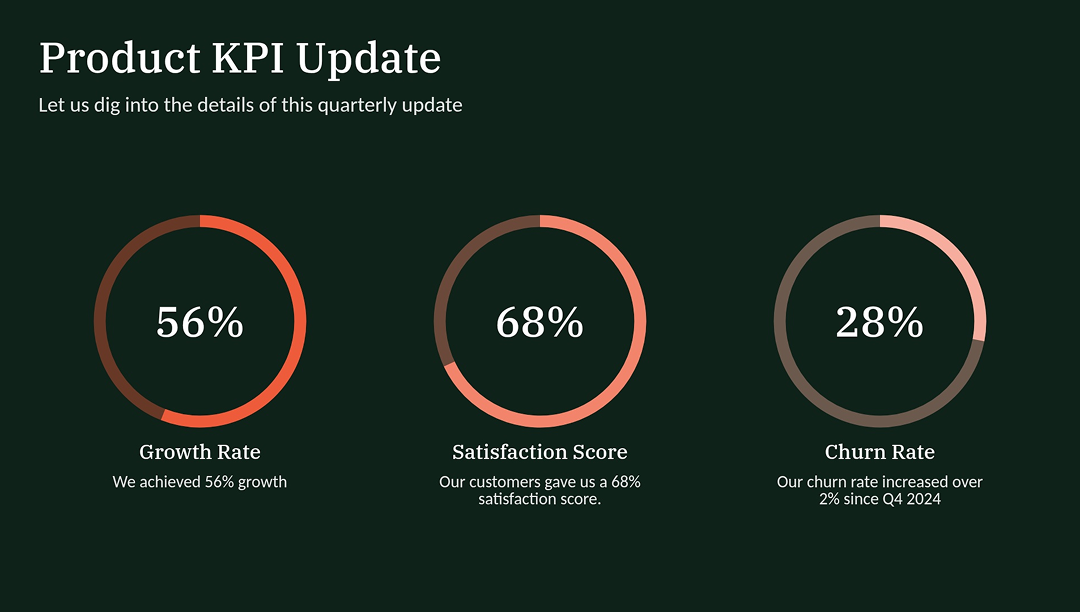
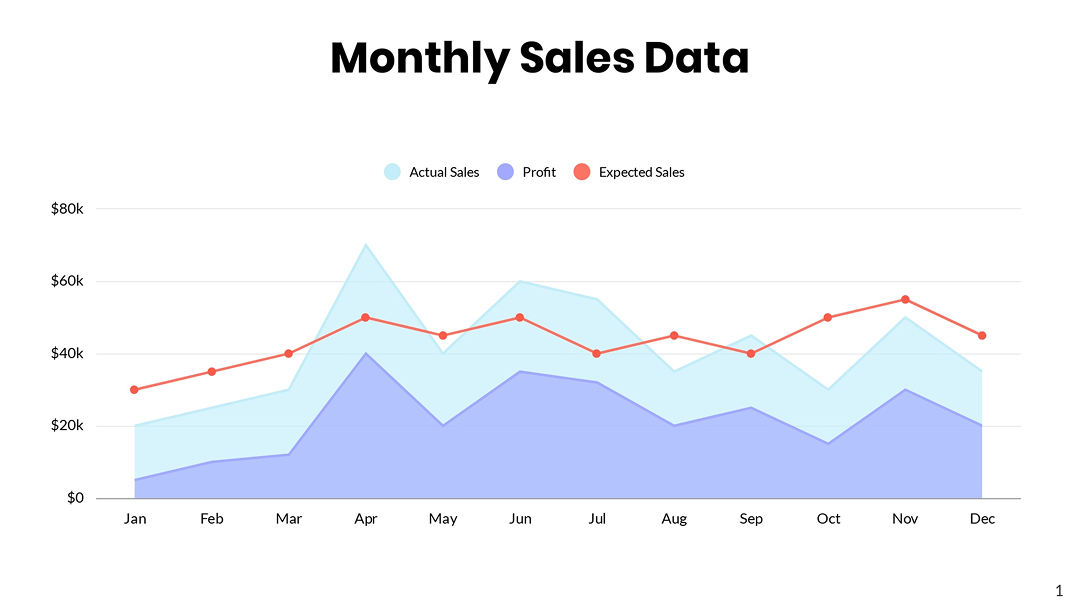
Bar charts, line charts, and dashboards that turn numbers into clear, visual insights.


SWOT analysis, Venn diagrams, and comparison charts that highlight differences clearly.


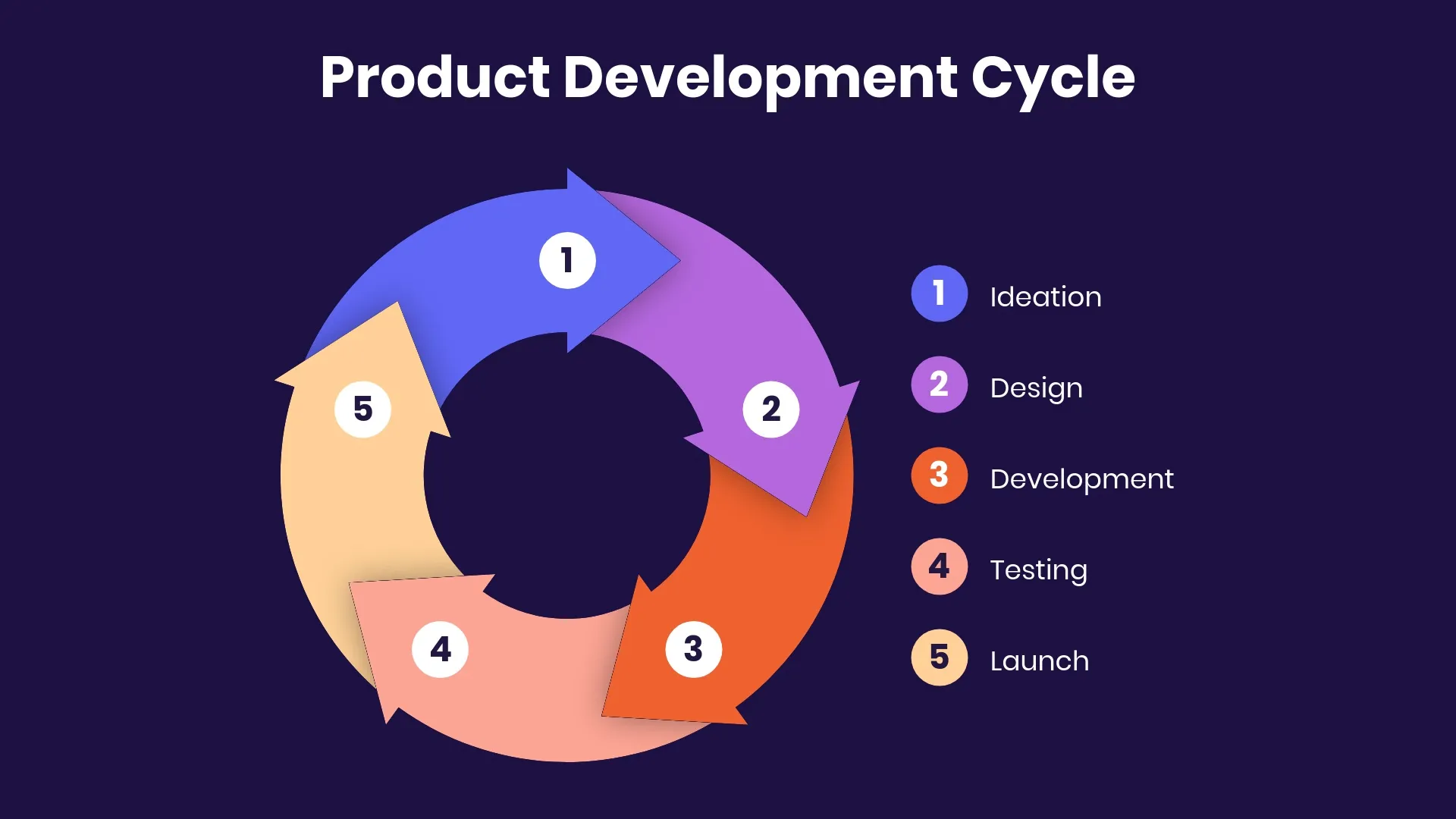
Timelines, flow charts, and funnels used to explain processes, journeys, and sequences.


Text slides, bullet lists, and tables for clear, everyday communication.


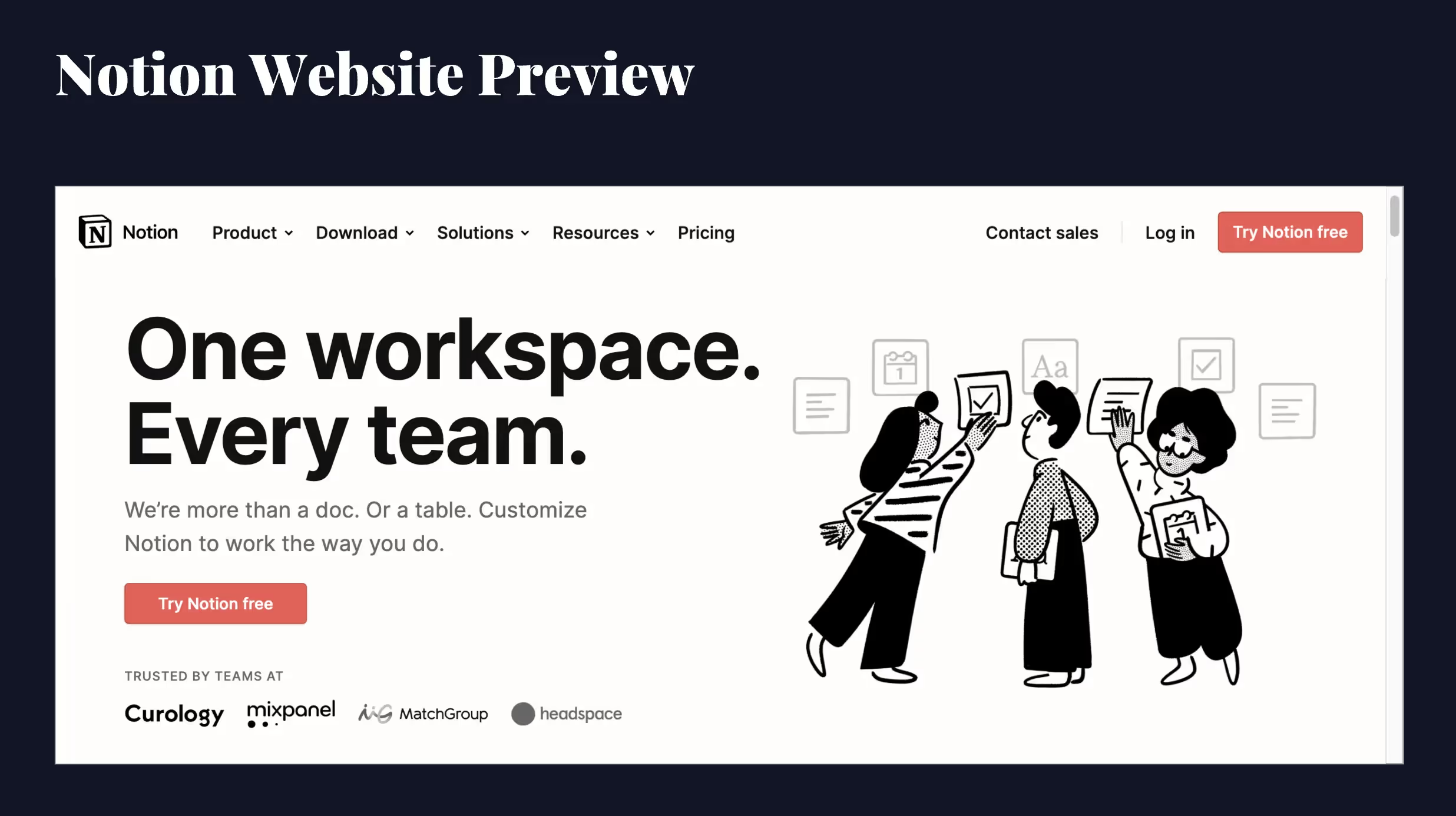
Product screenshots, logo grids, and ROI calculators to showcase offerings and customer value.


Team slides, org charts, and quotes that highlight individuals, roles, and voices.
Popular templates
Editable presentation templates—built with Smart Slides and built-in animations. Customize quickly using our AI features and image libraries.

Action Number

Data Dashboard
The Arrow Cycle
Webview

Timer
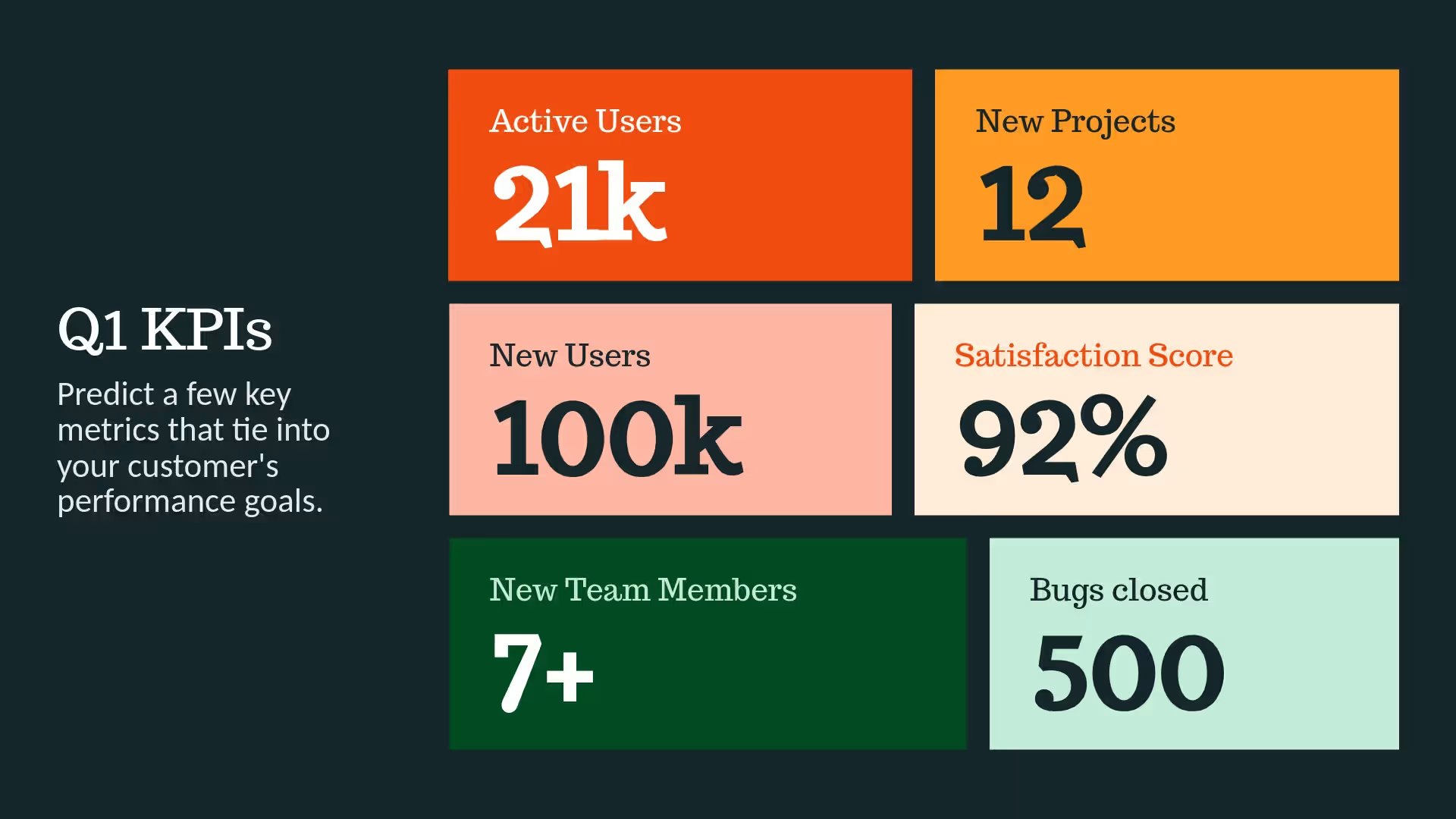
Big Number

Countdown
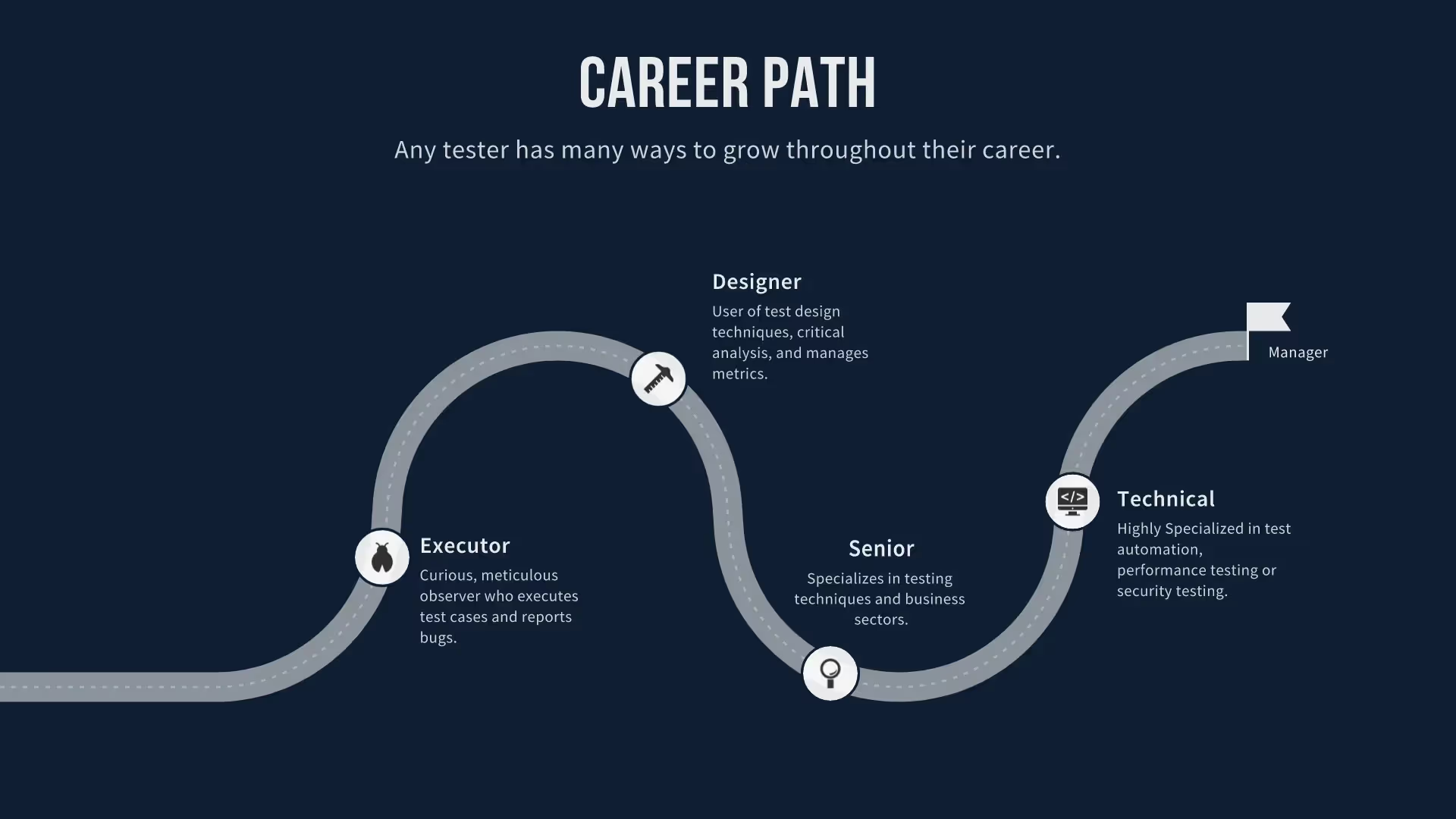
Customer Journey Map Template Slide
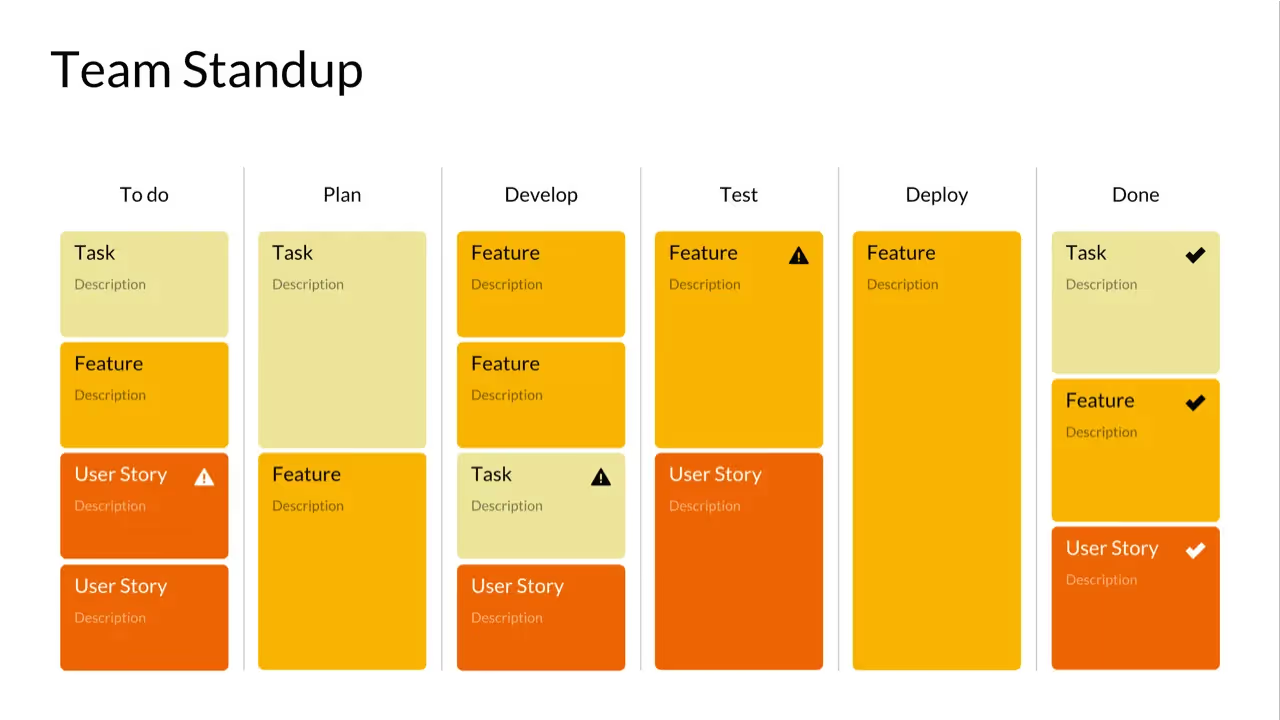
Kanban
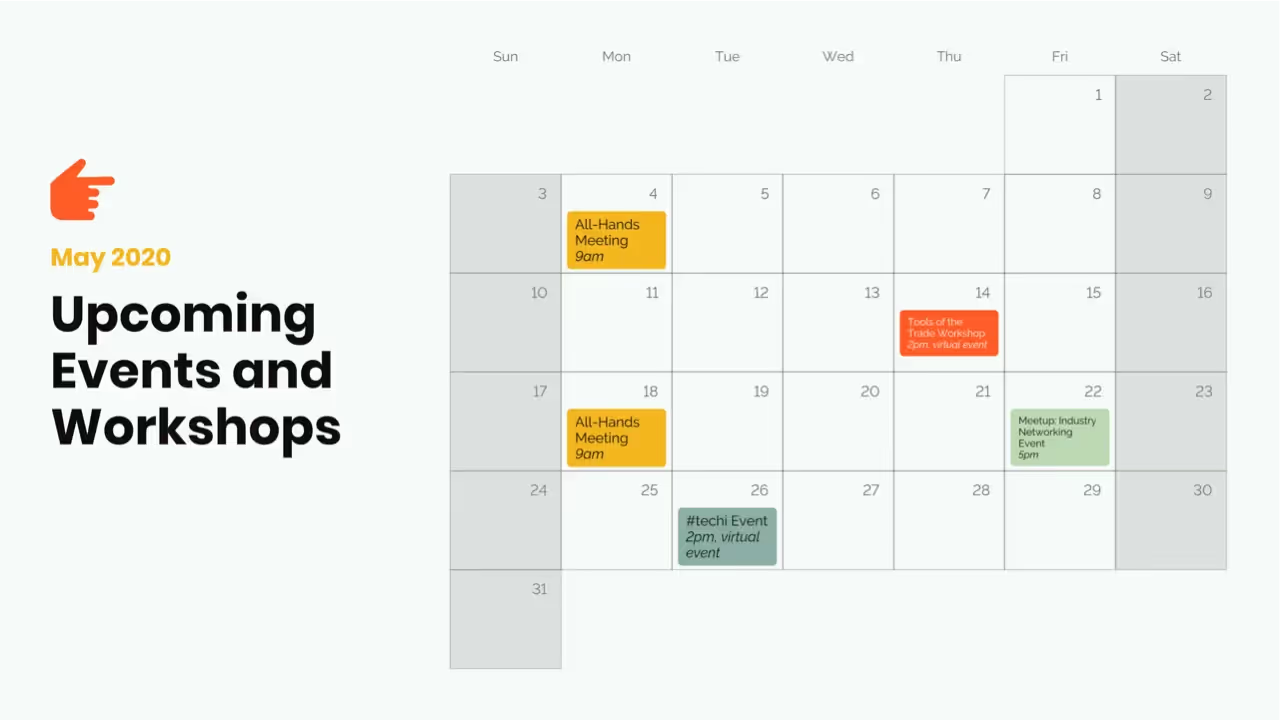
Calendar Slides
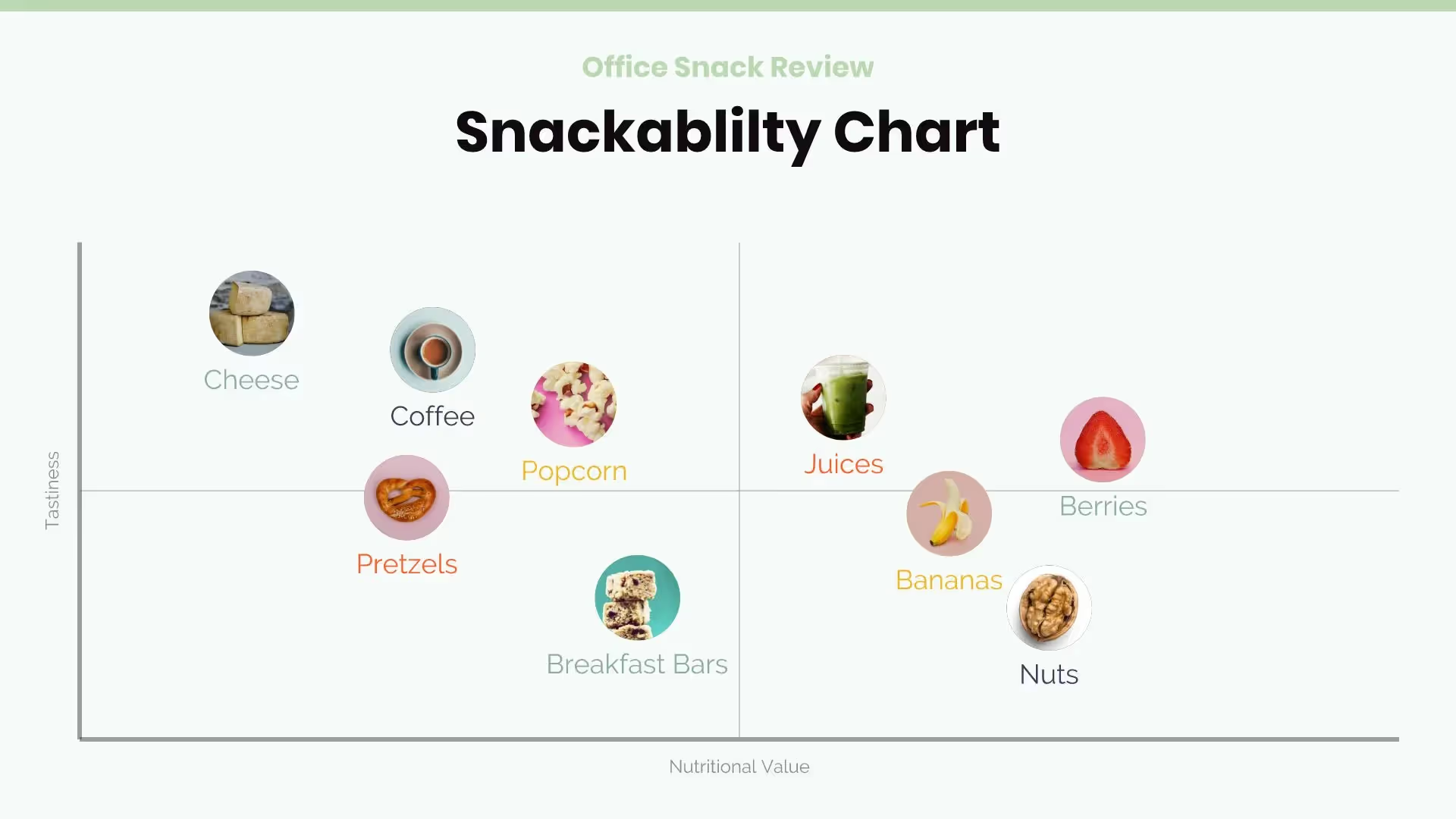
Scattergraph Slide

Quotation

Thermometer Slide
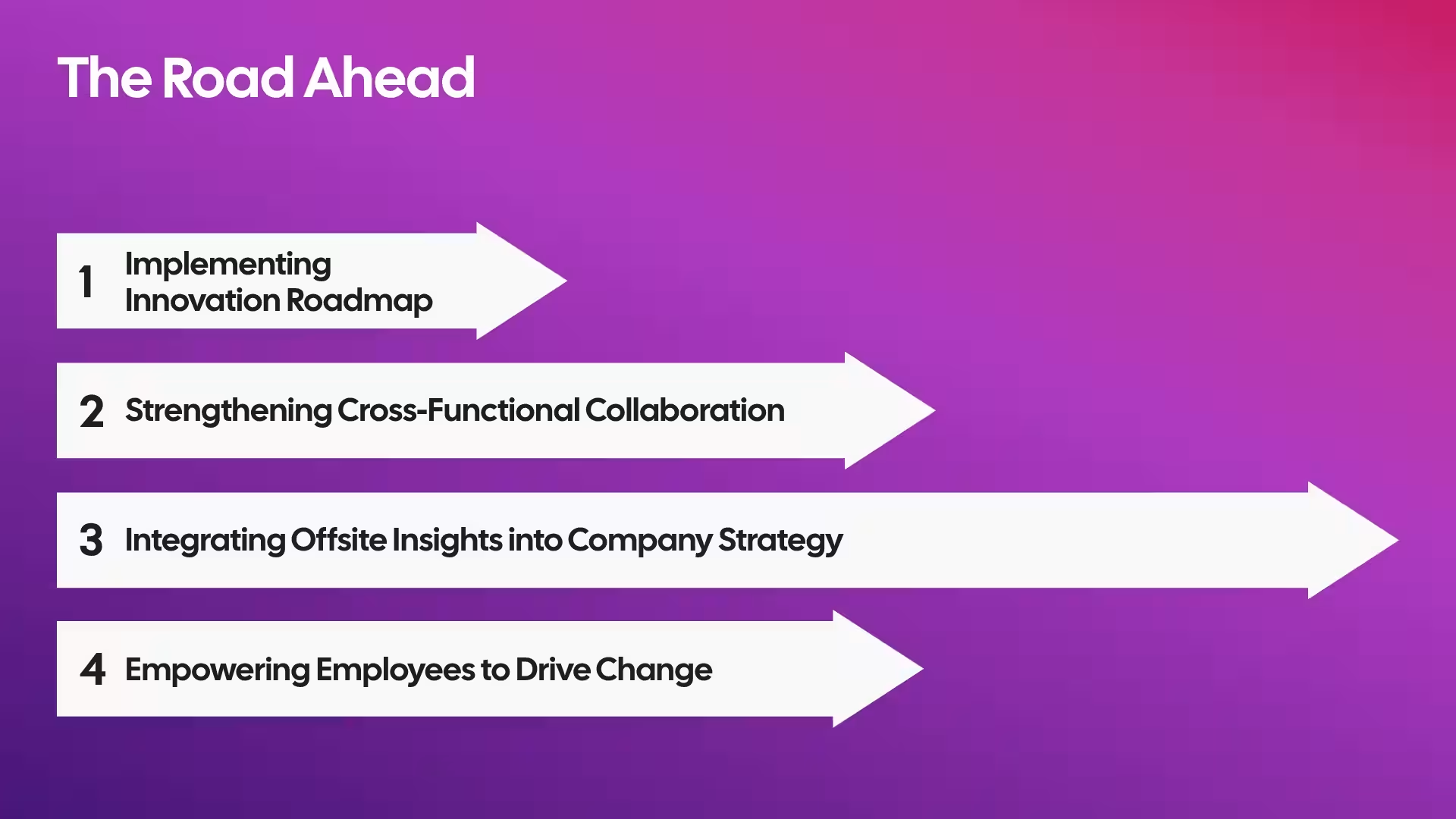
Infographic Slide
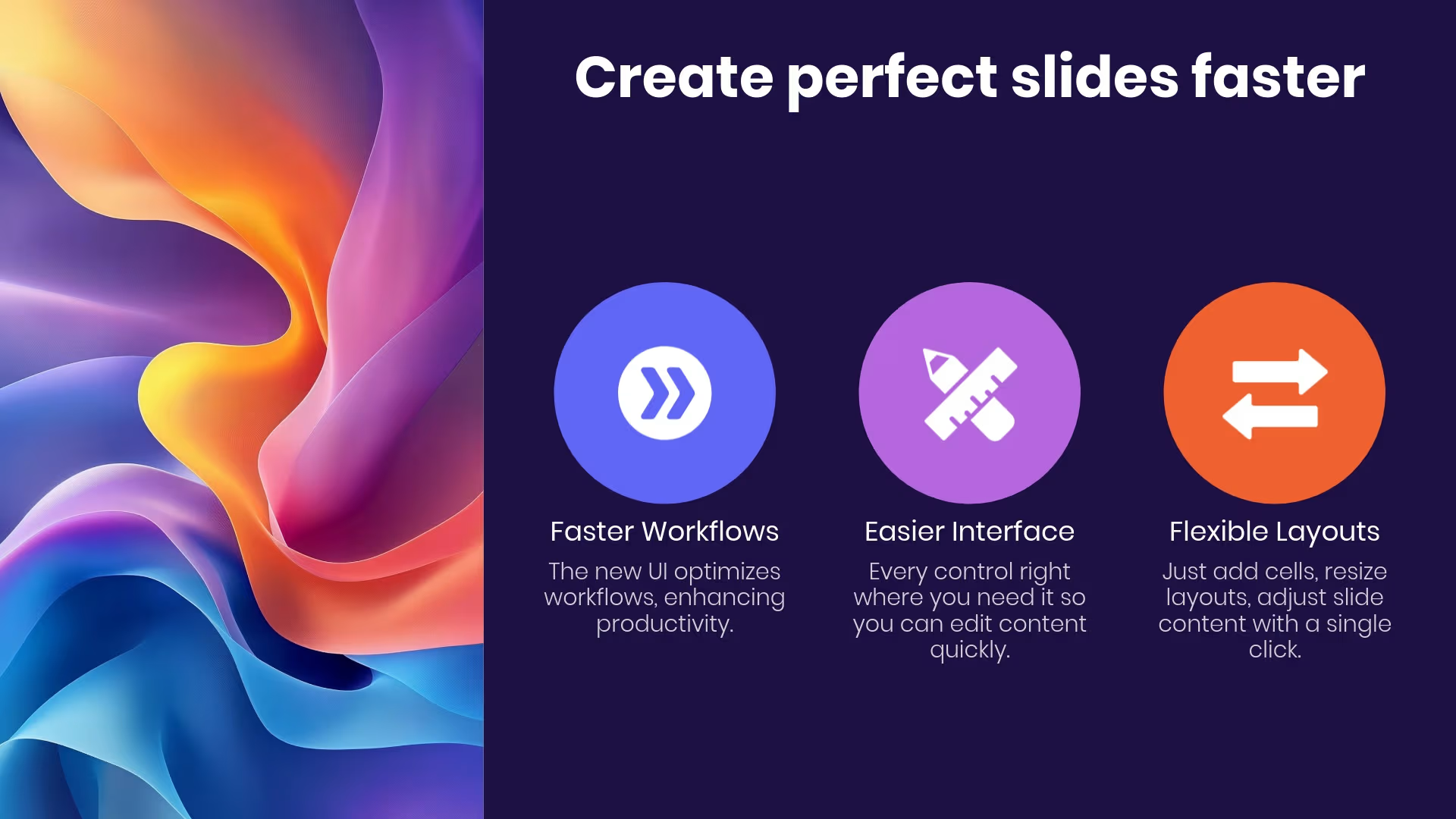
Icon Slide
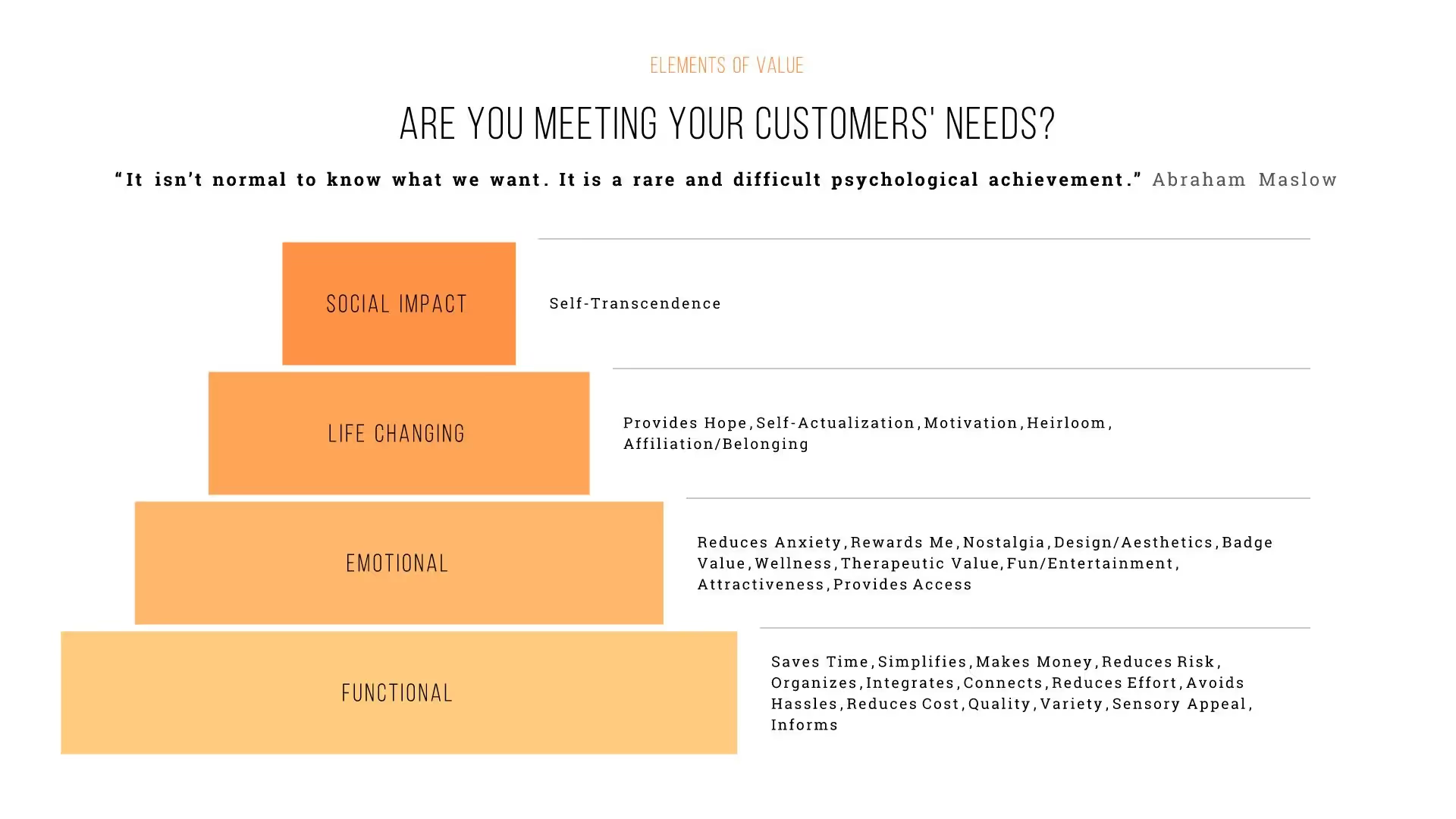
Pyramid
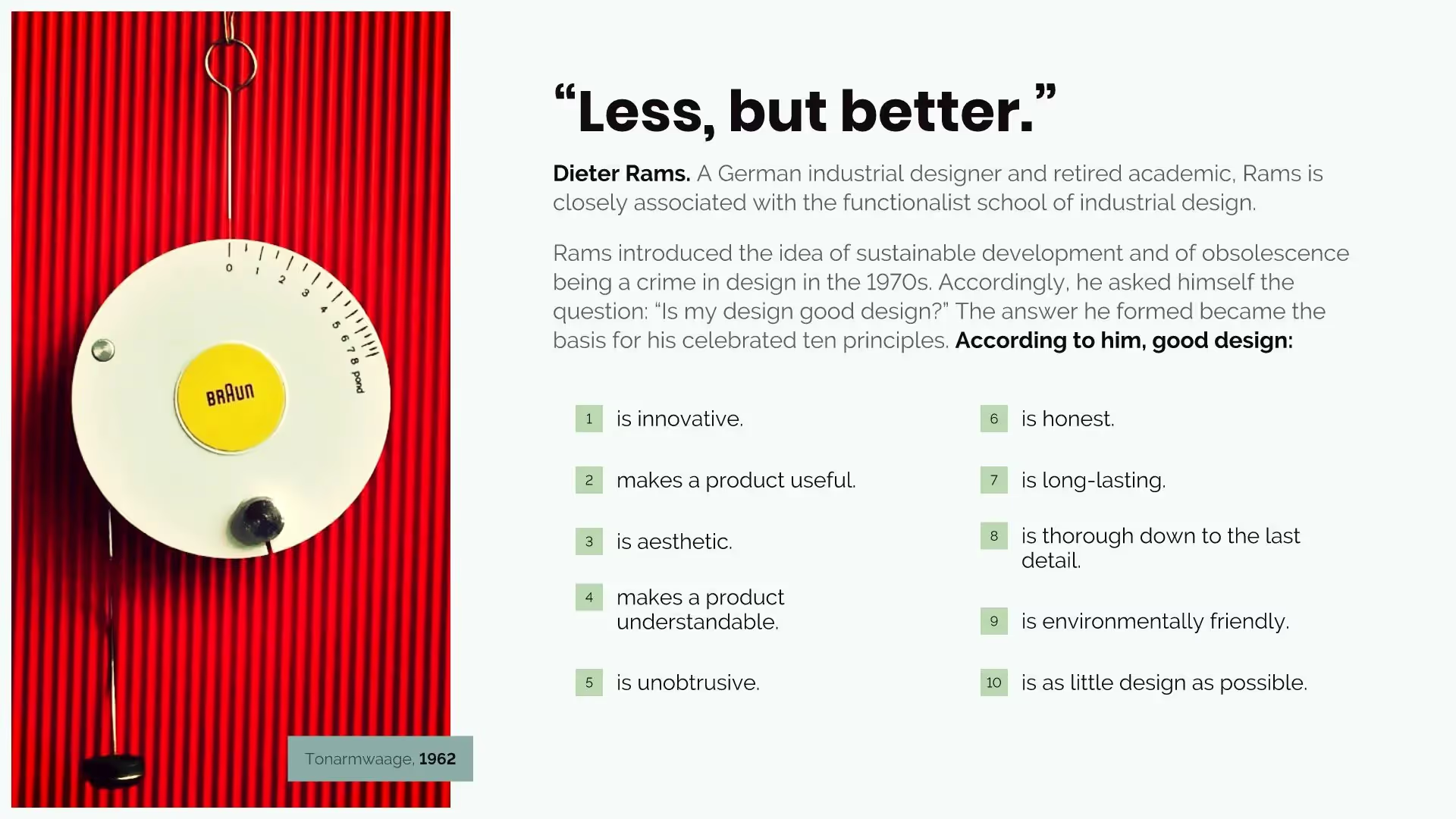
Number List

Bullet Slide
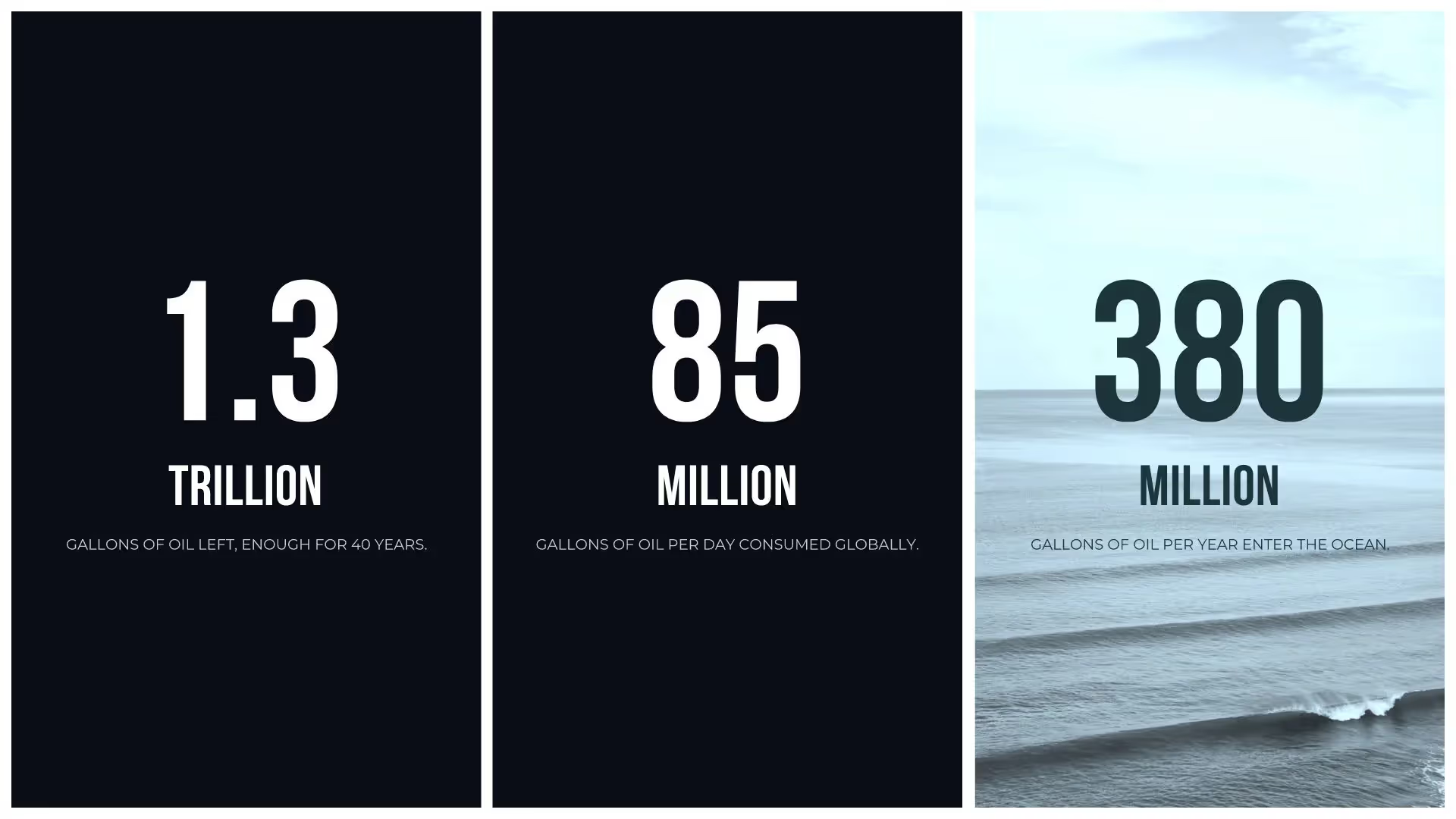
Photo Grid
Full Video
Logo Grid

Desktop
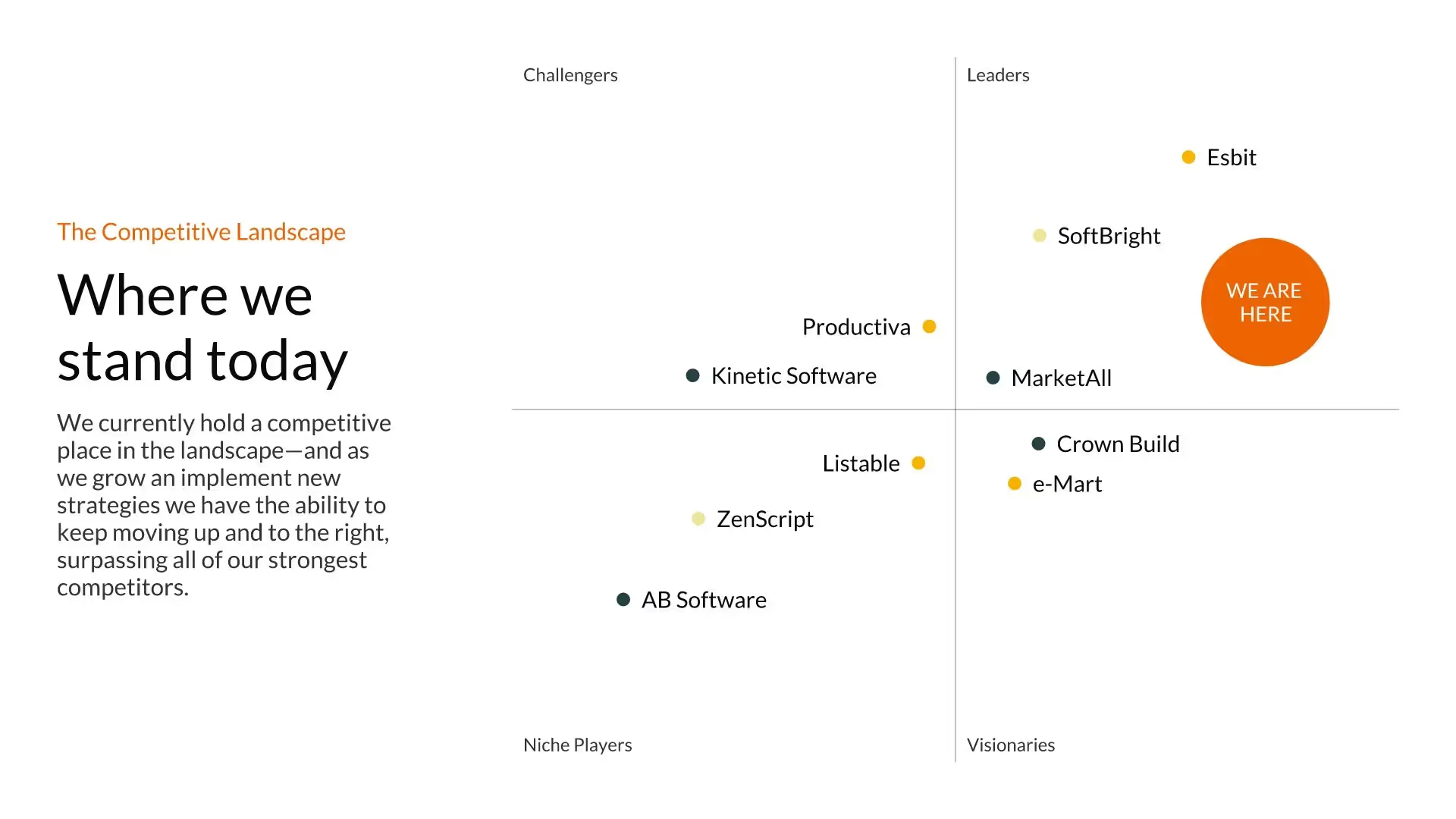
XY Plot
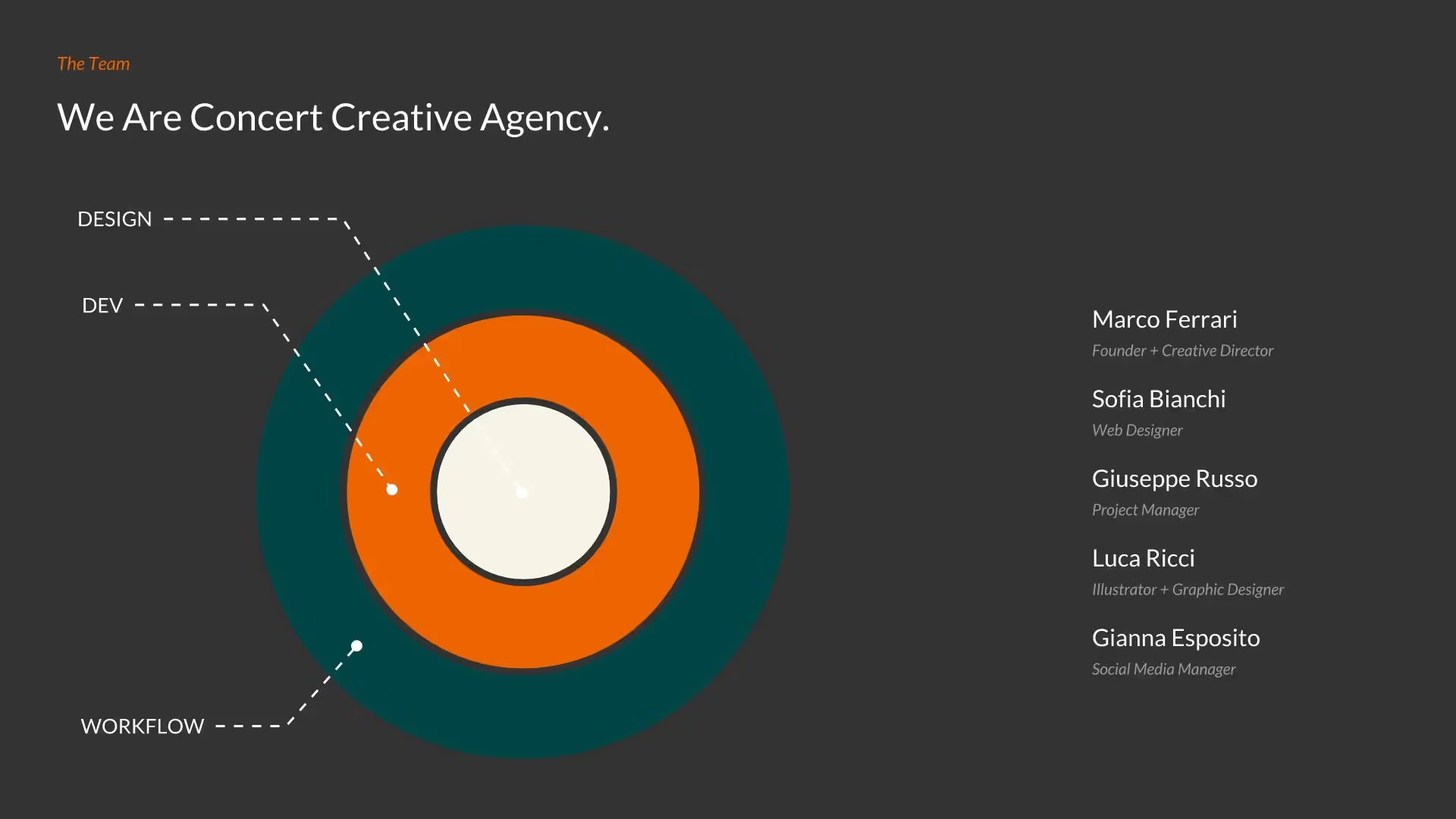
Target Slide
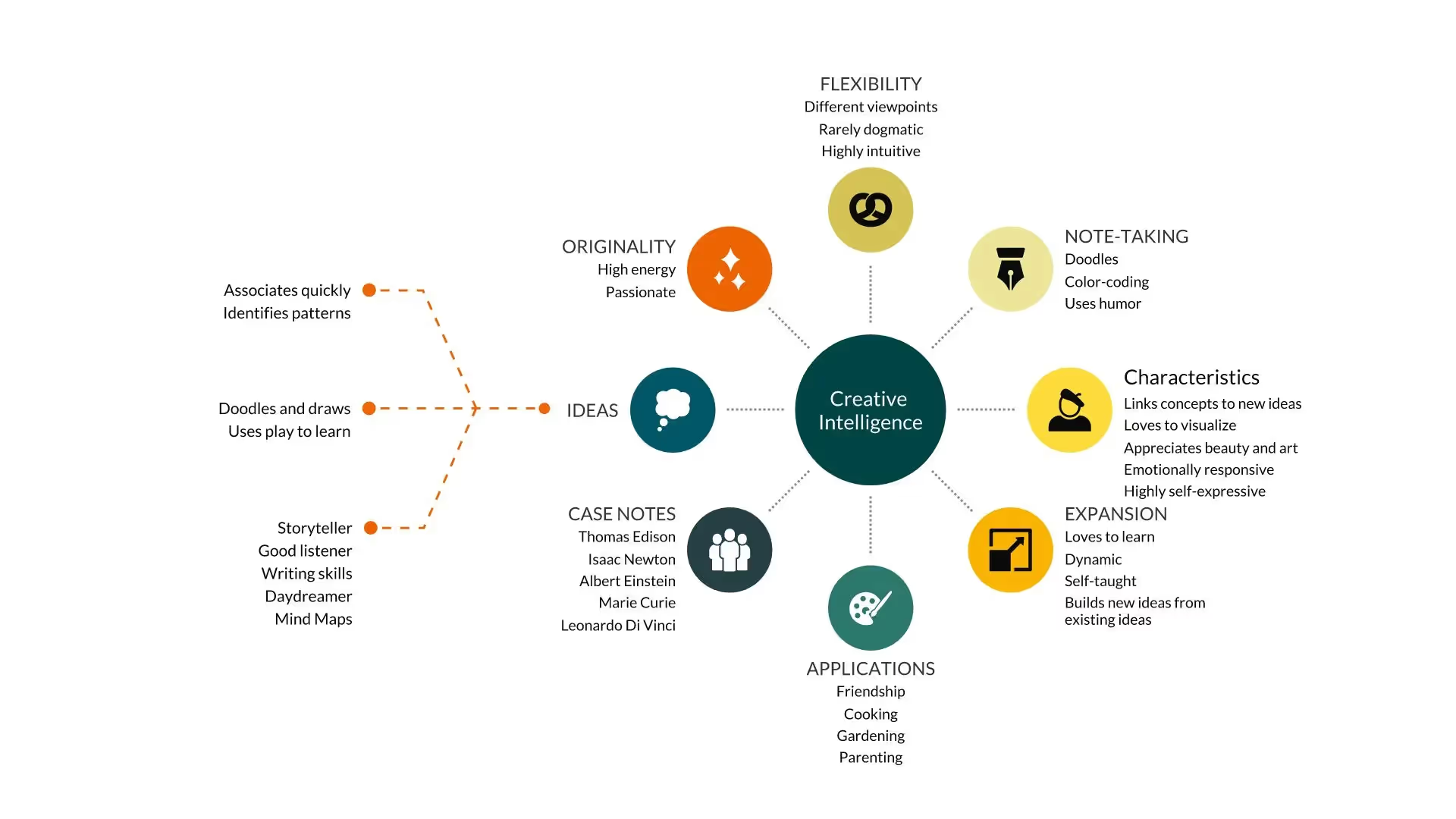
Hub and Spoke
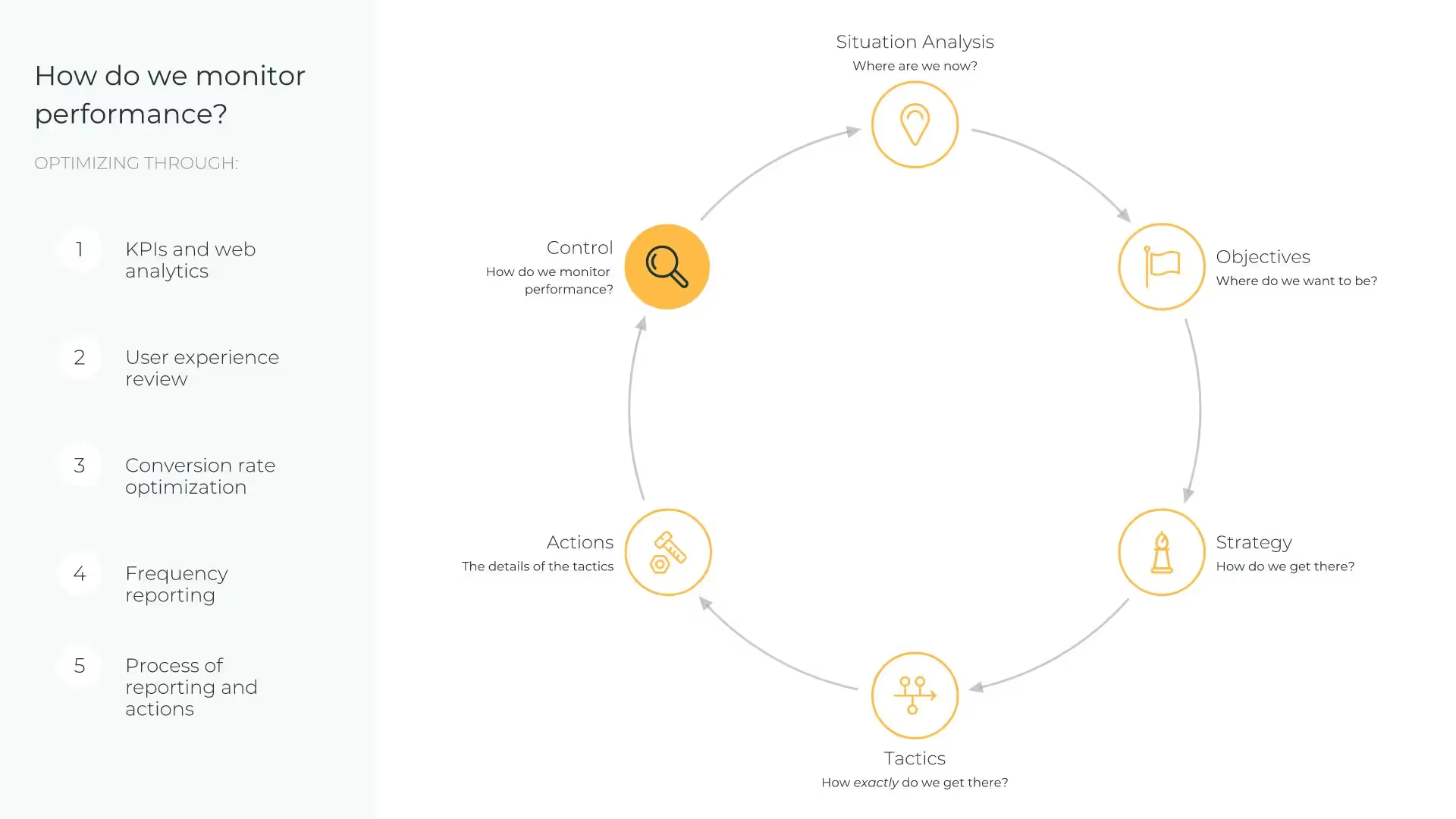
Cycle
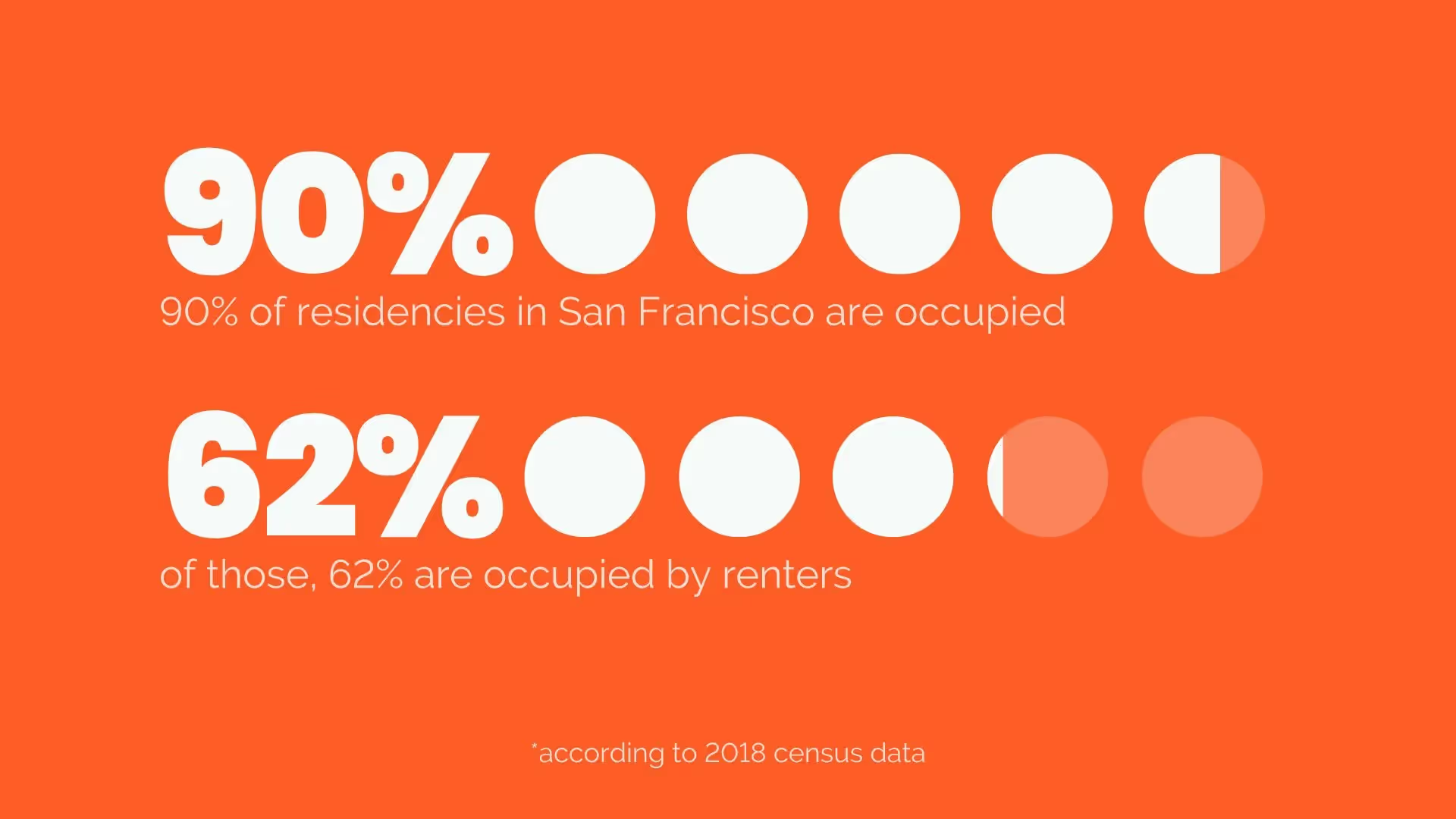
Pictograph
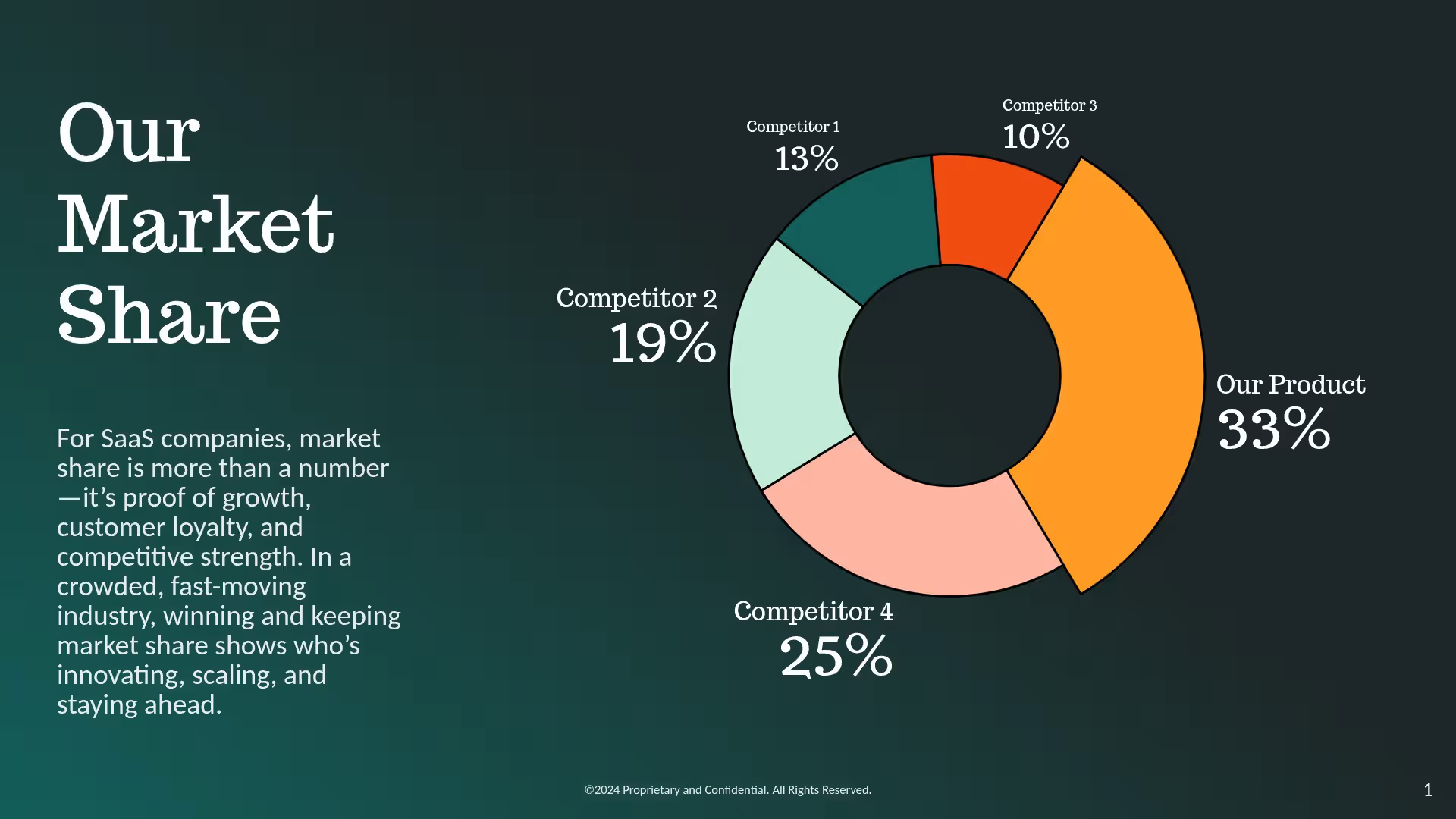
Donut Chart
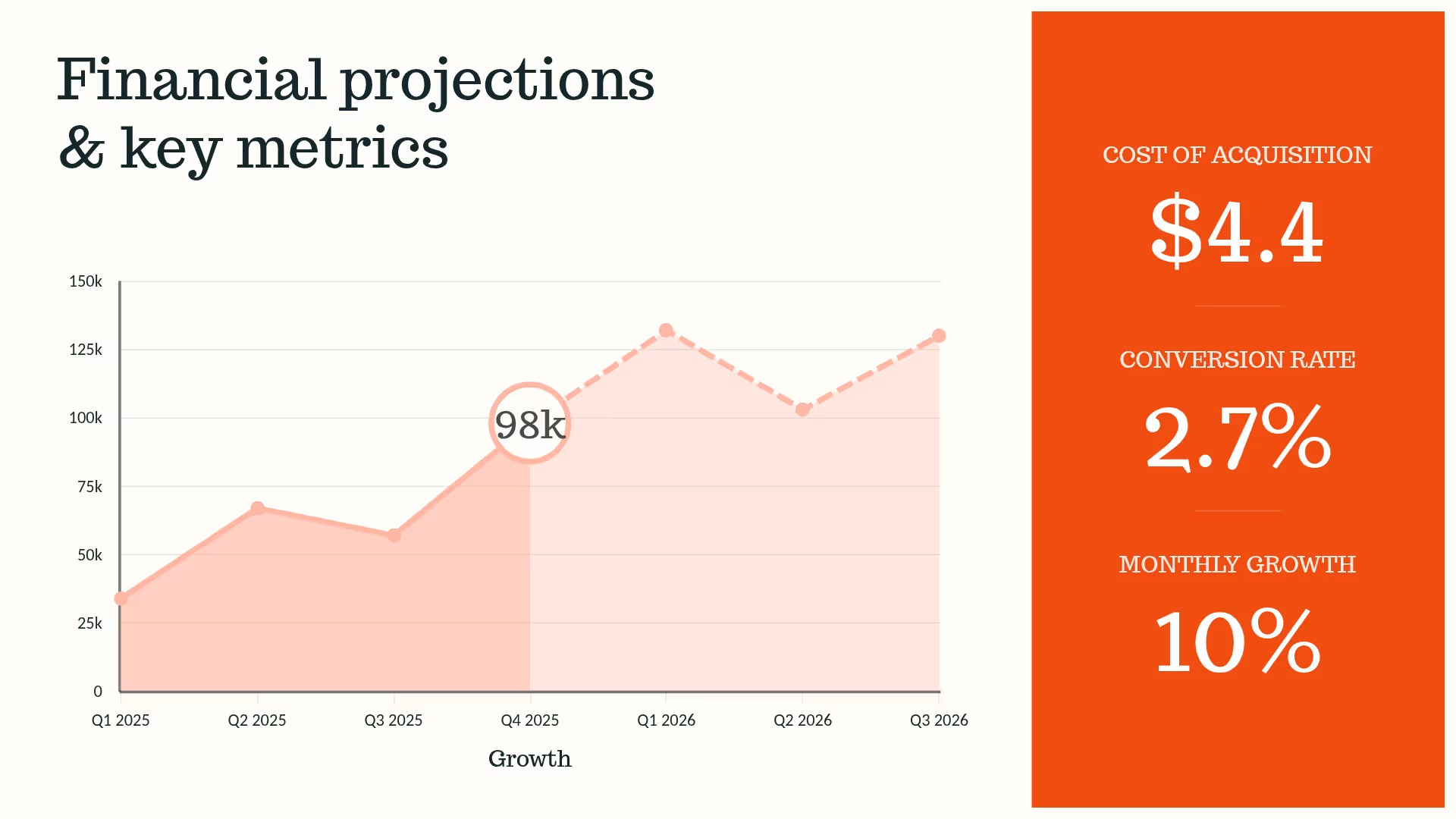
Area Chart
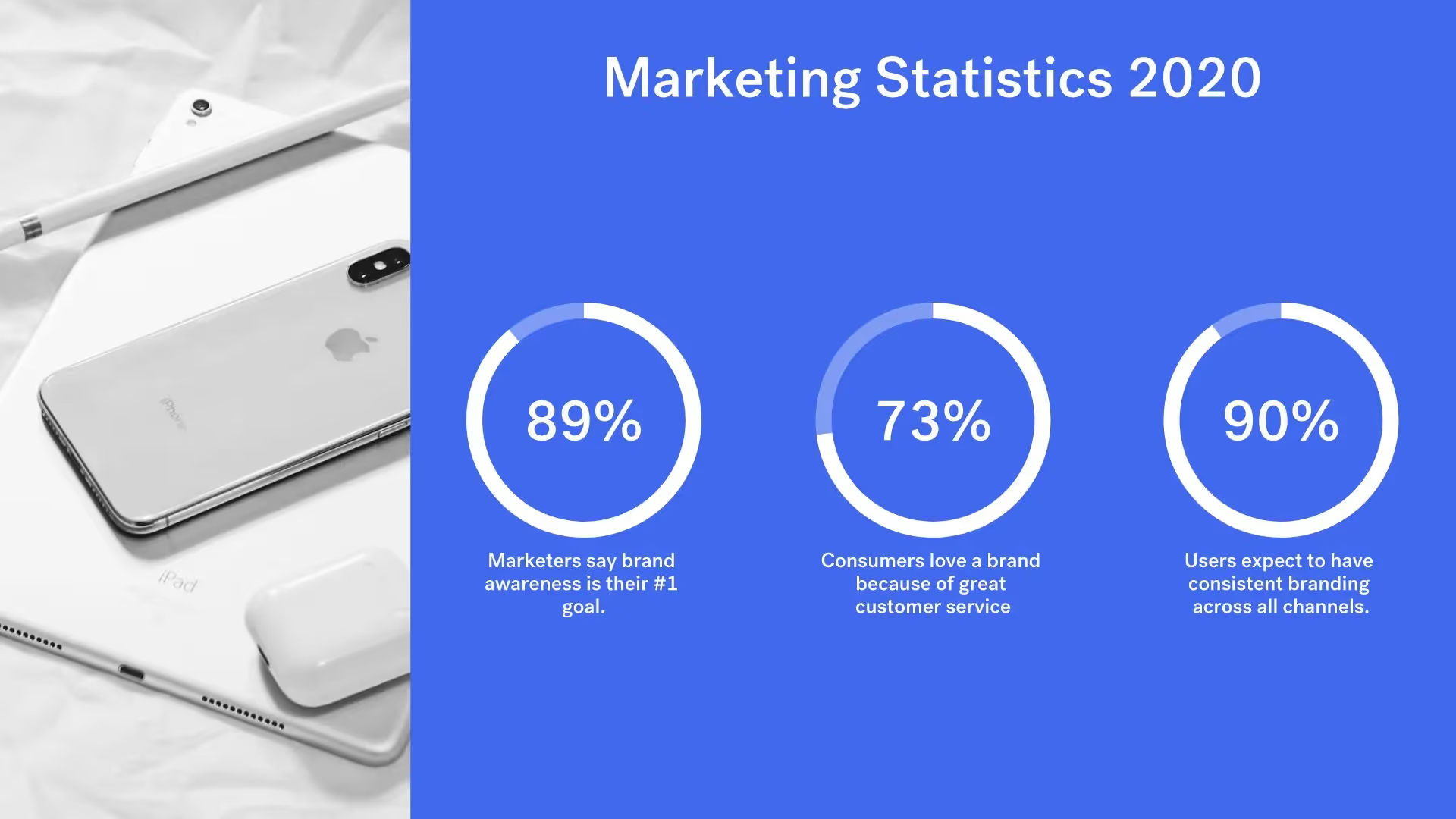
Data Comparison Slide
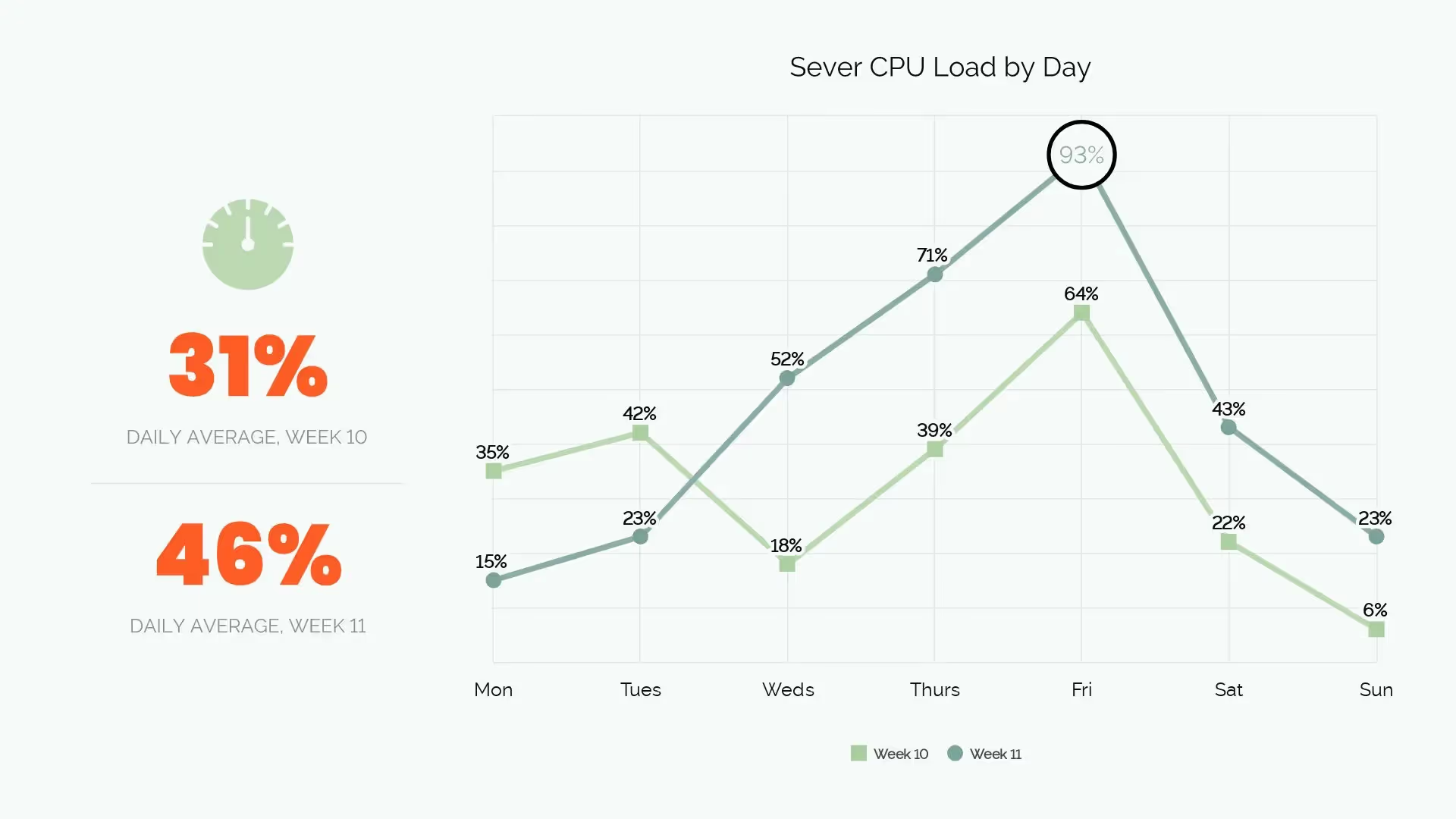
Line Chart

Headline Slide
Section Break Slide
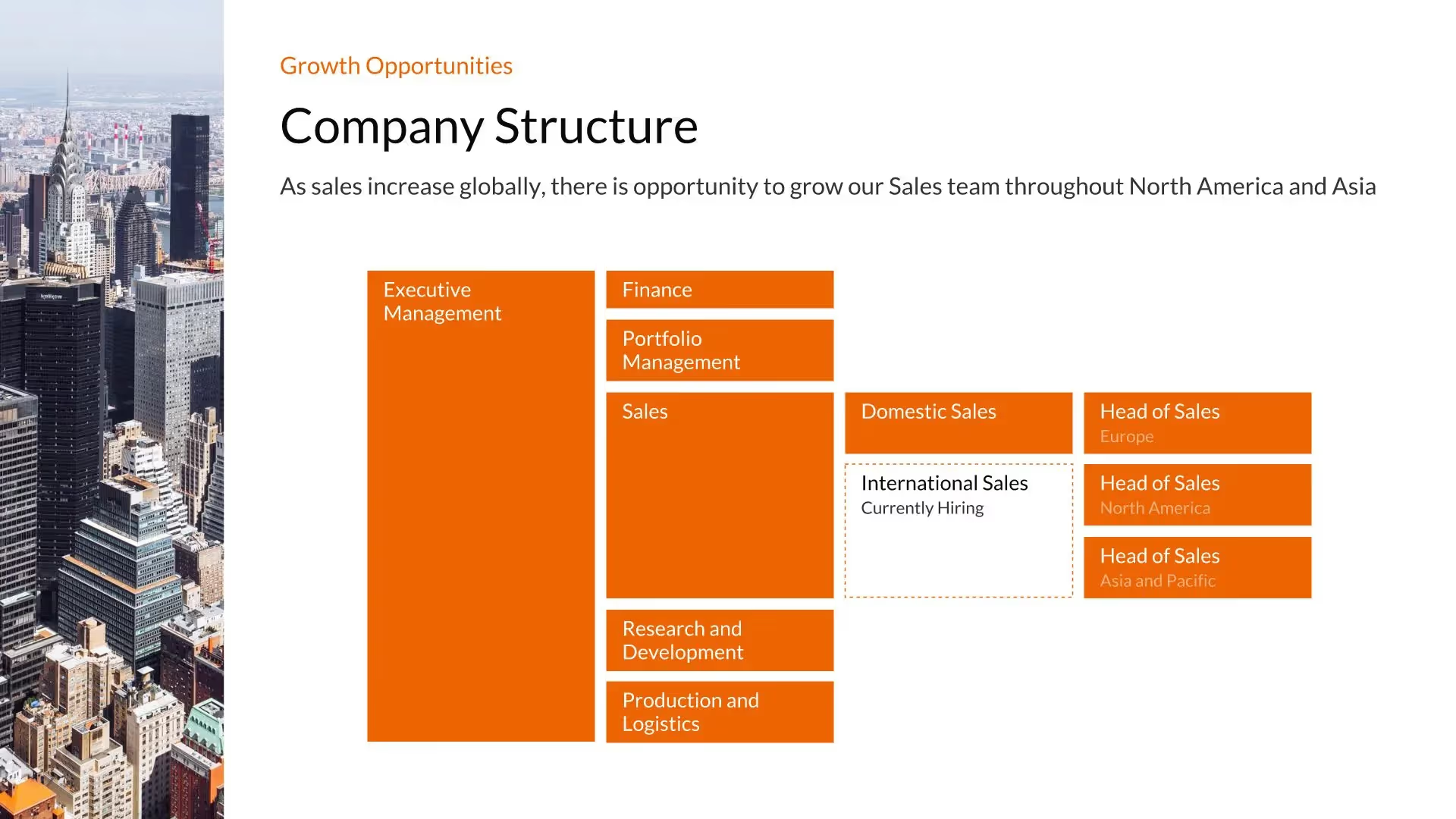
Org Chart
Quadrant Slide
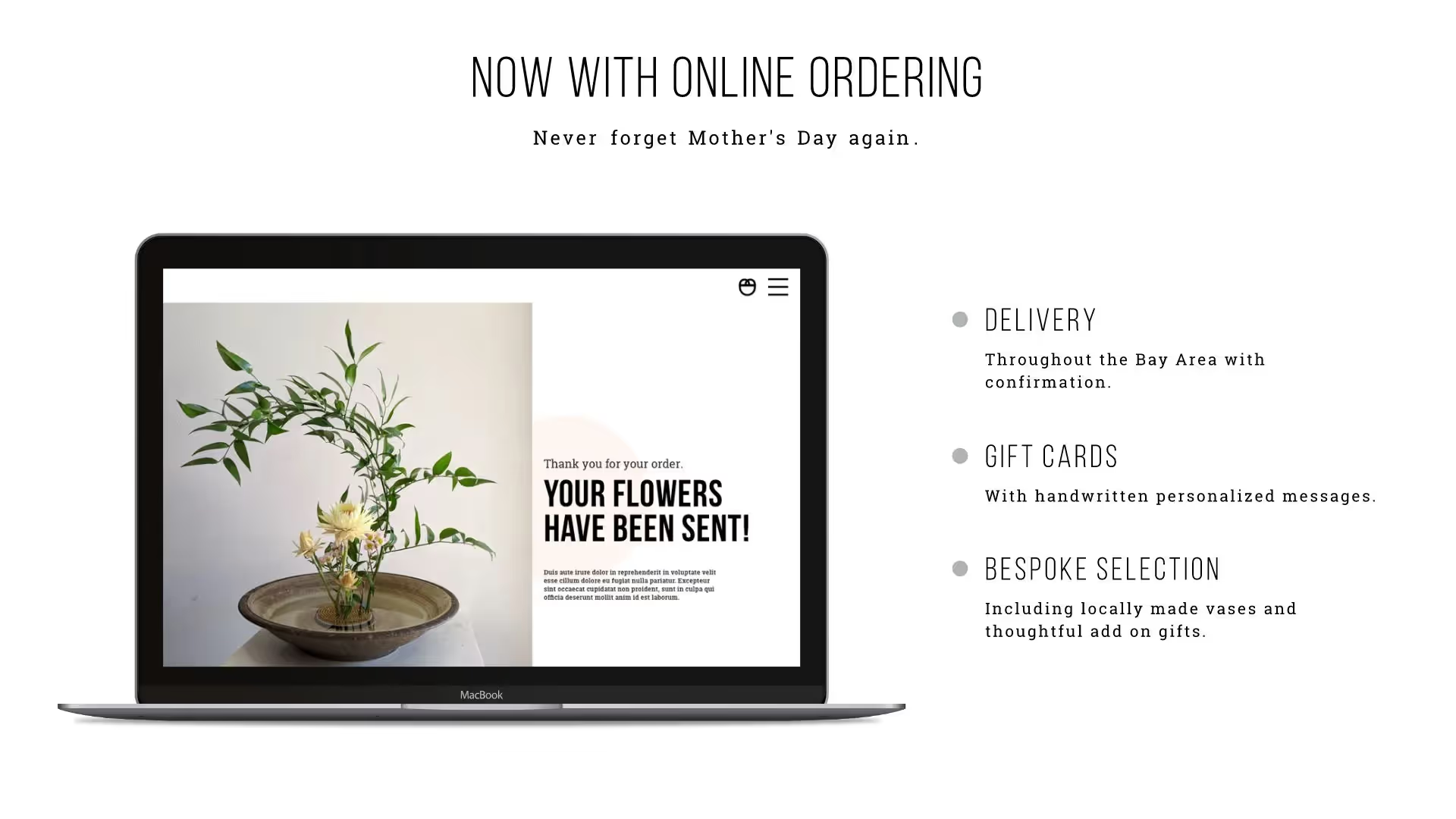
Laptop Slide
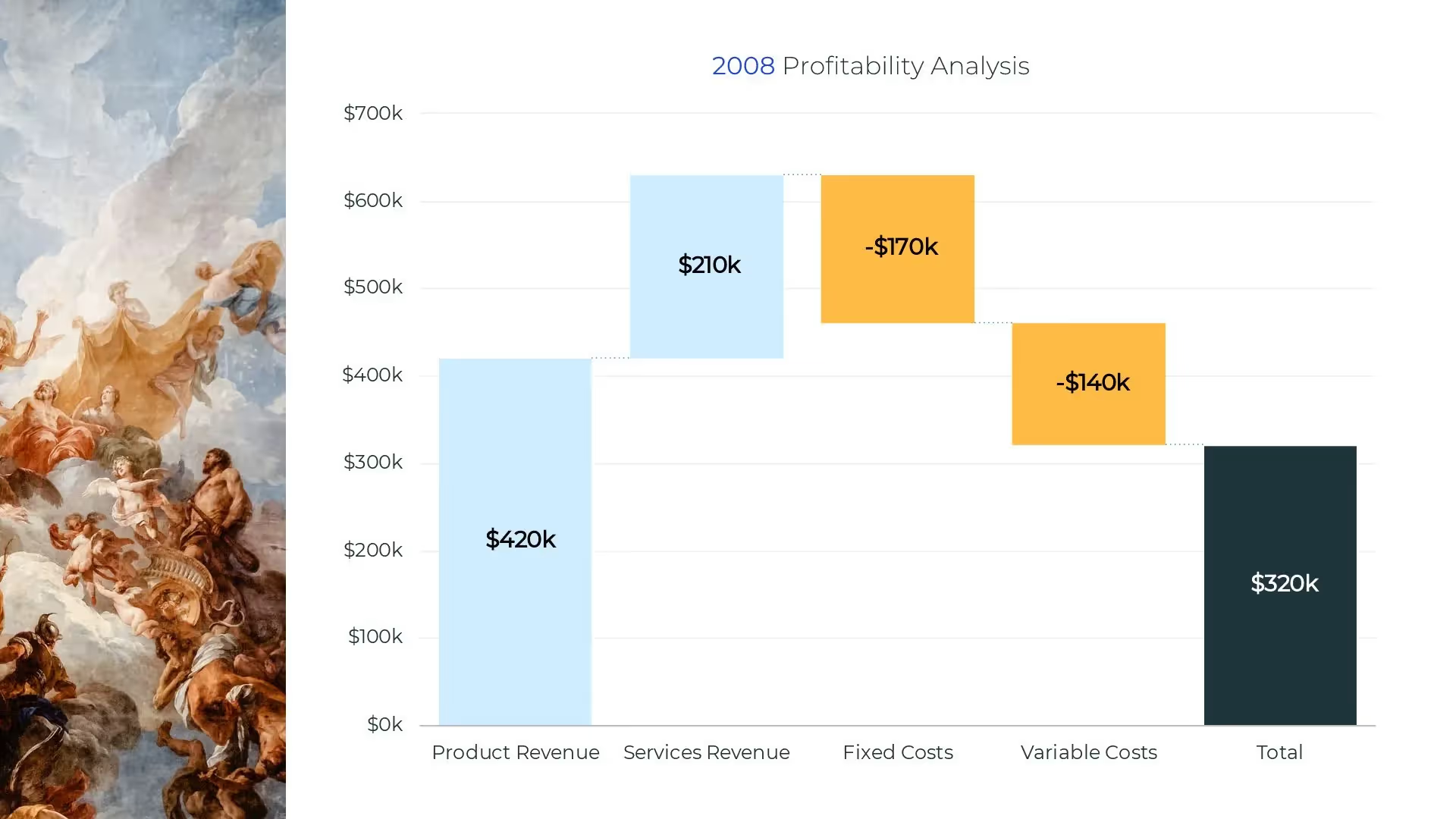
Waterfall Chart
Text Slide
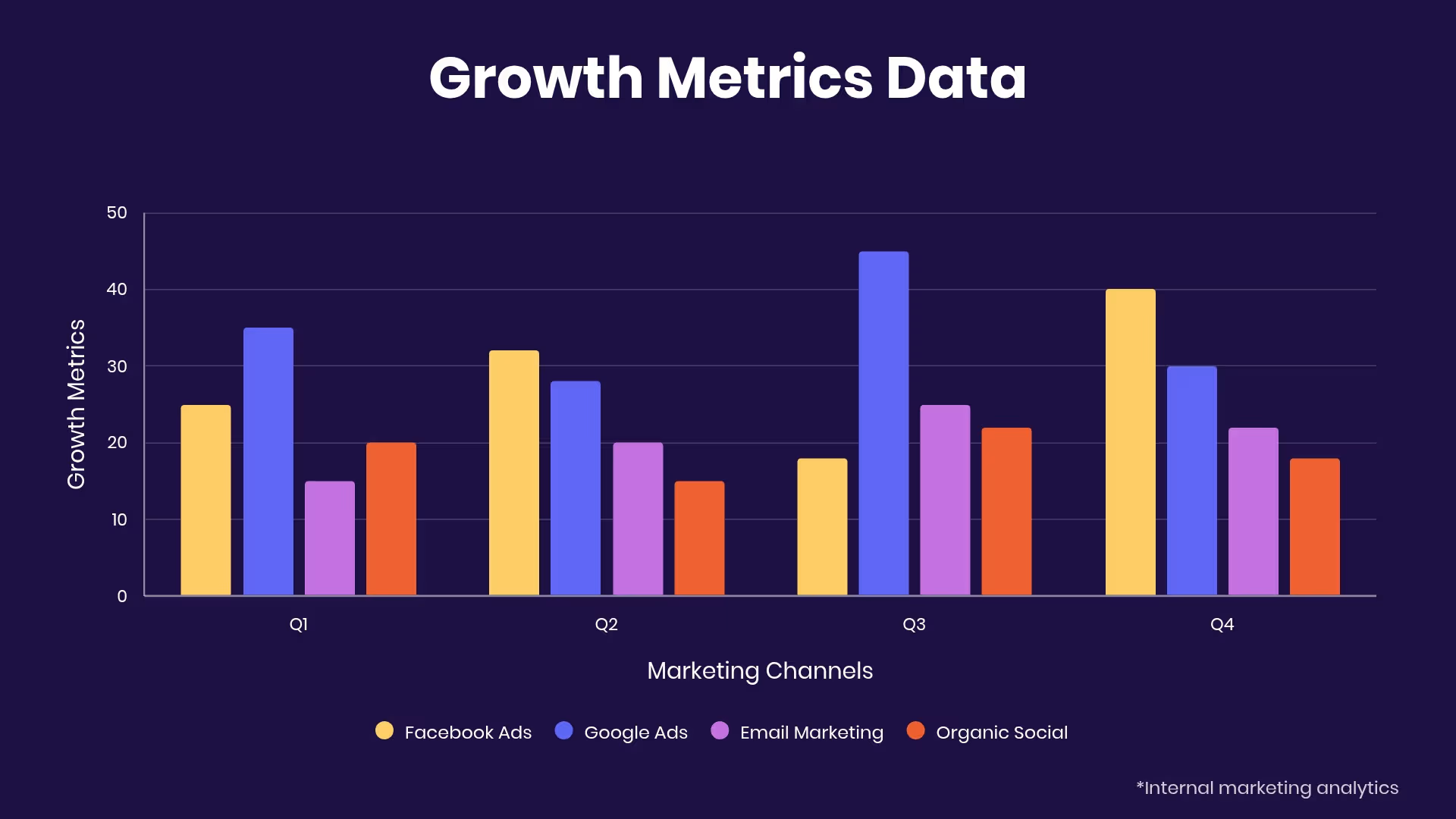
Bar Graph

Process Diagram Slide

Contact Slide
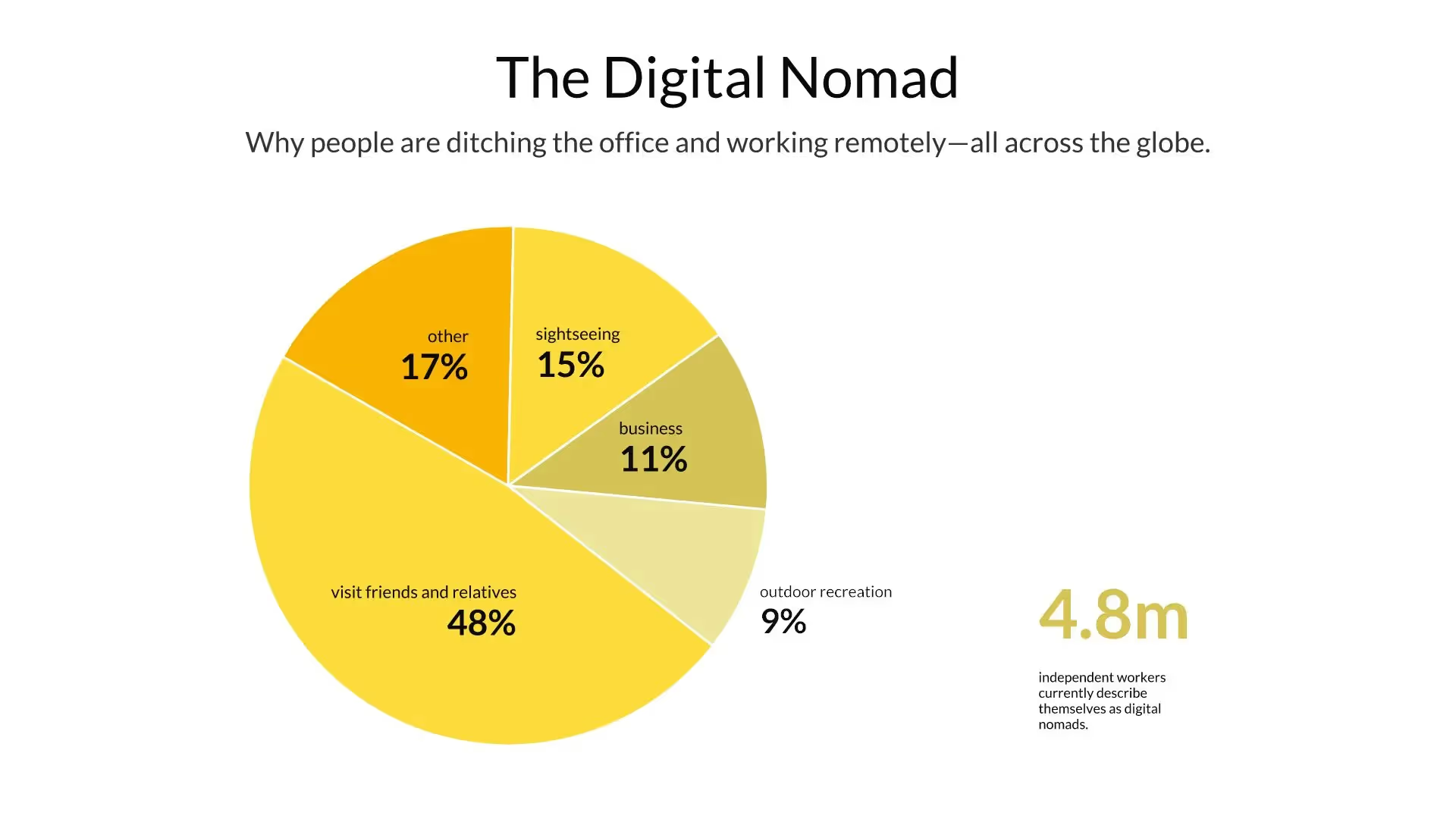
Pie Chart

Image Slide

Title Slide
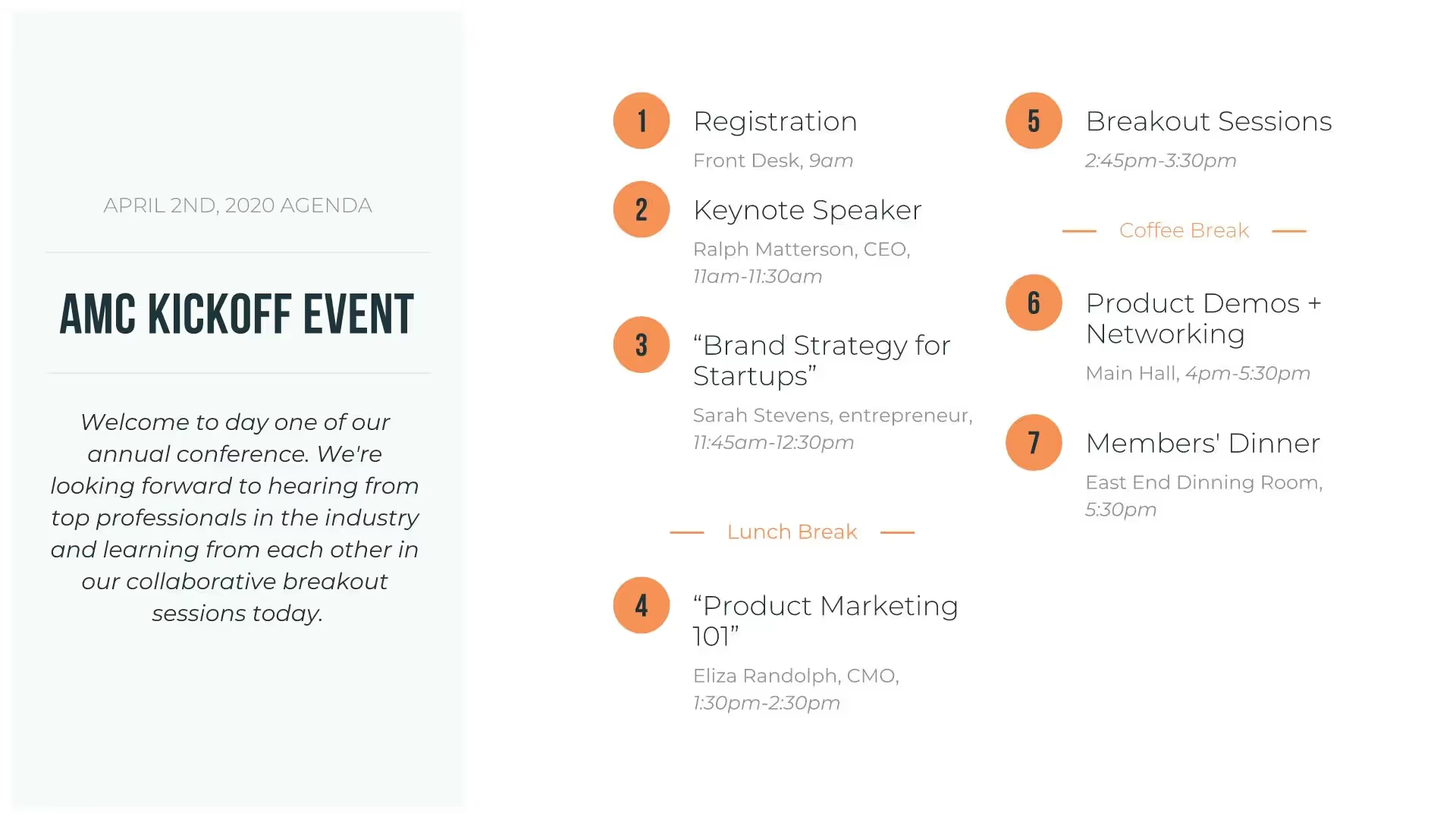
Agenda Slide

About Us Slide
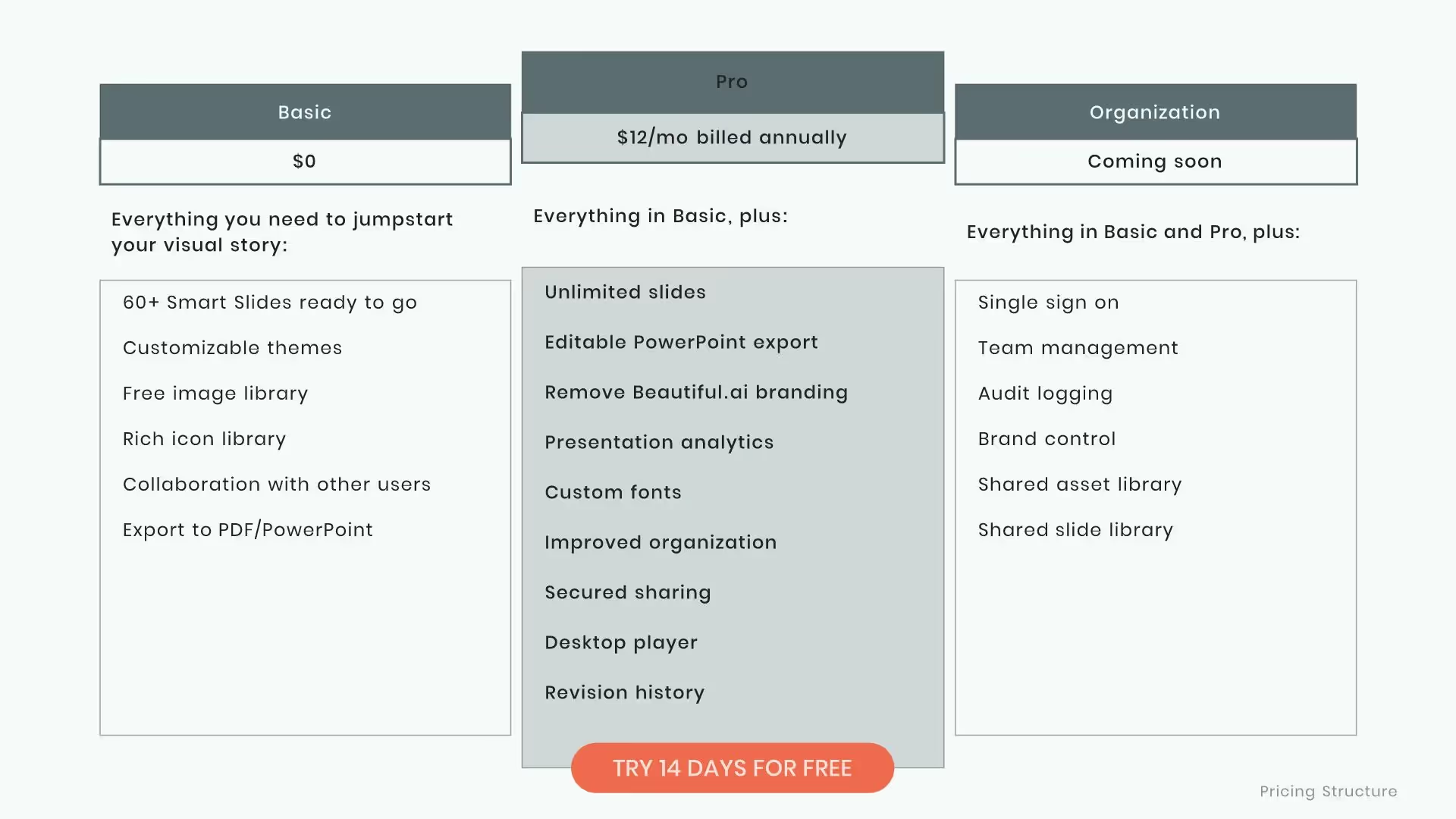
Table Slide
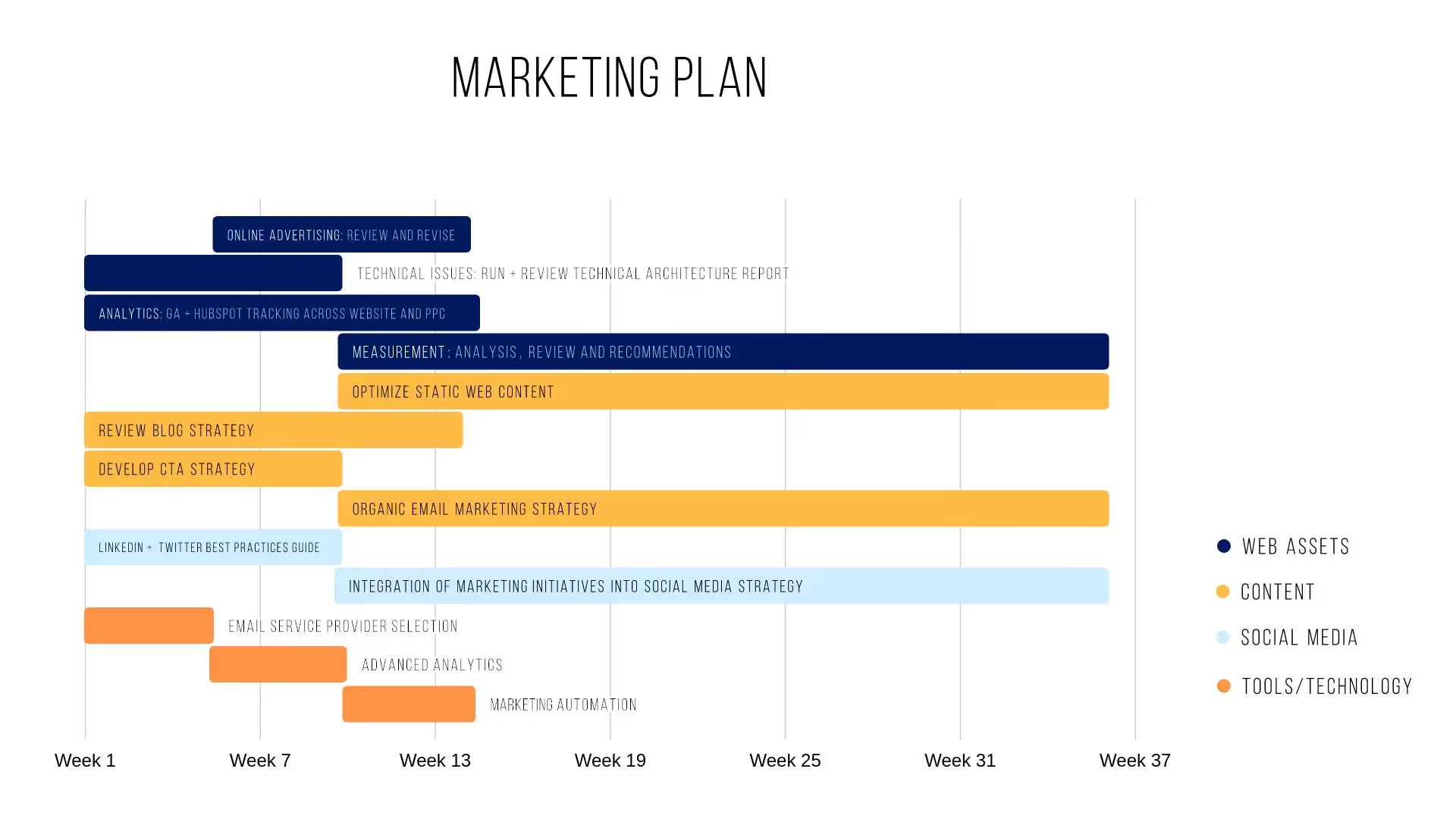
Gantt Chart Slide
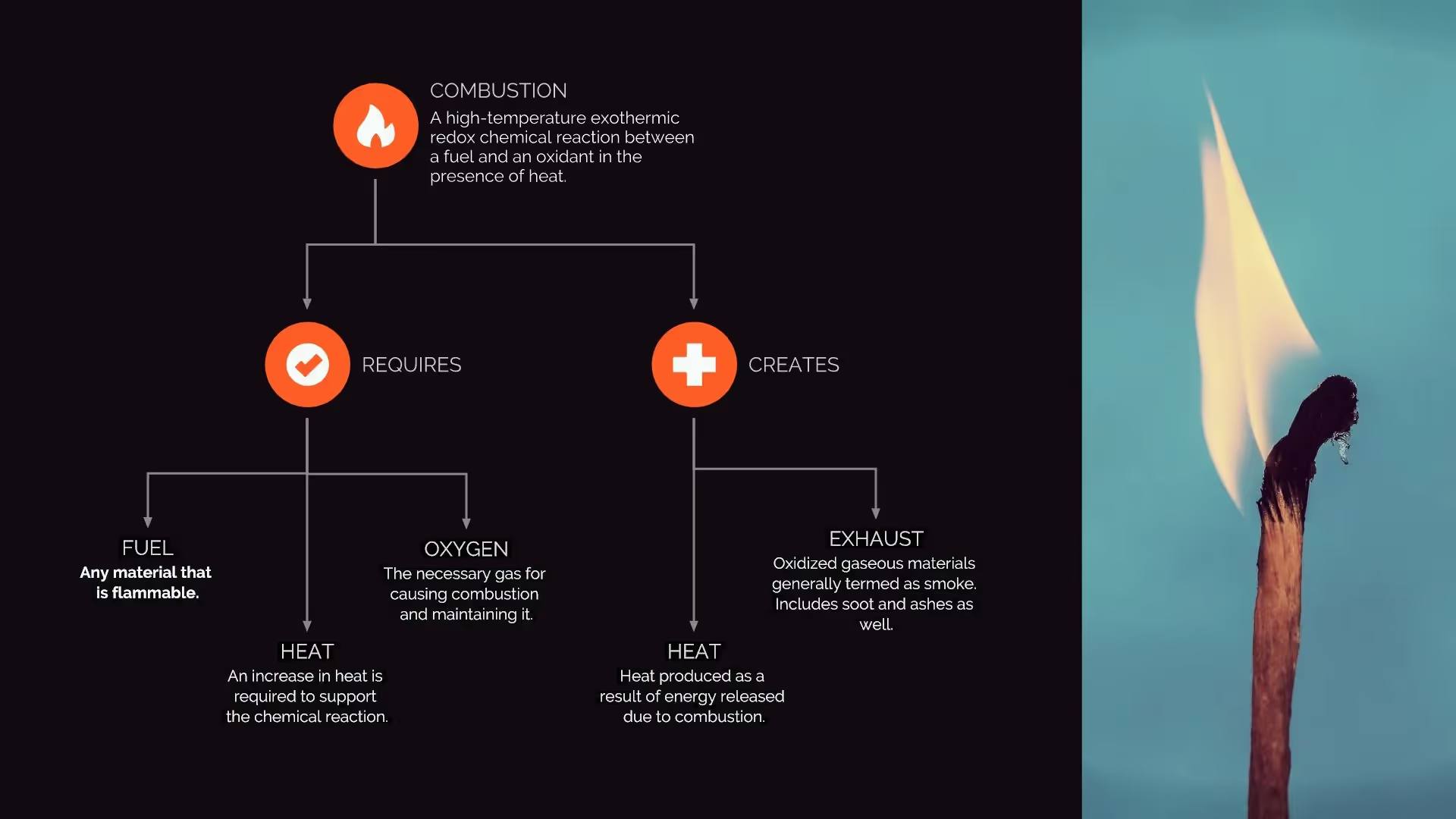
Flowchart Slide
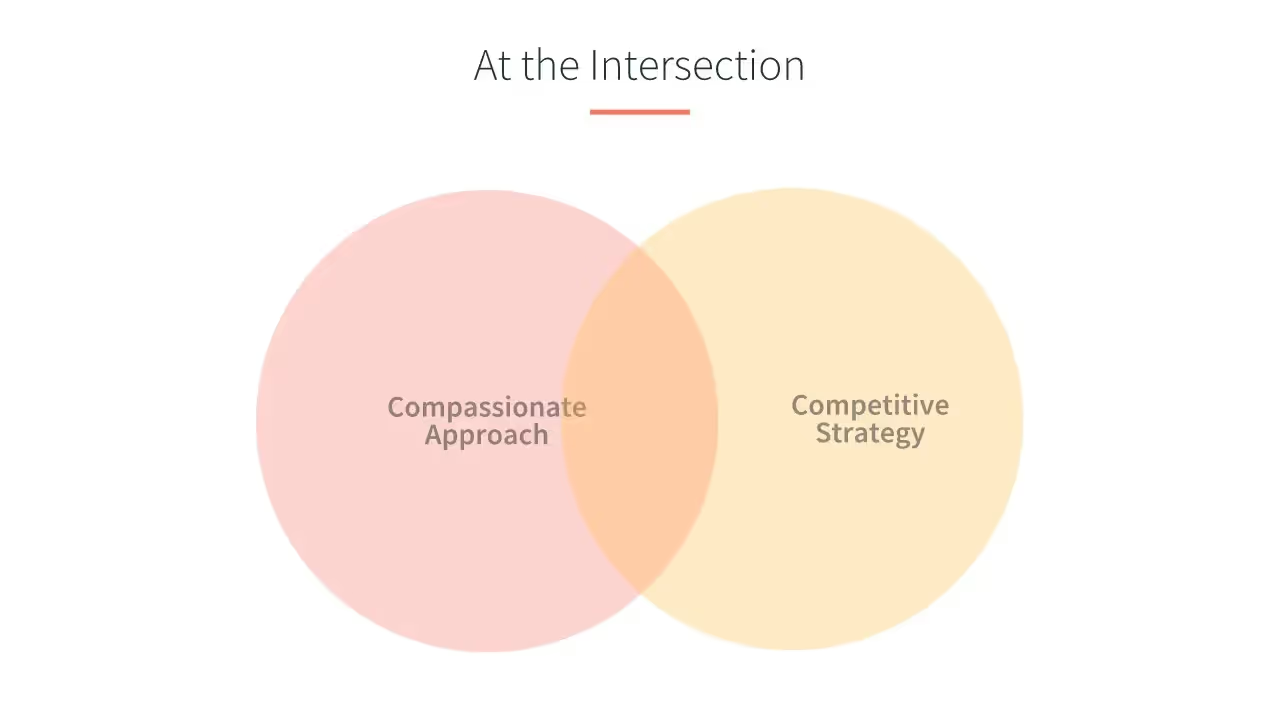
Venn Diagram
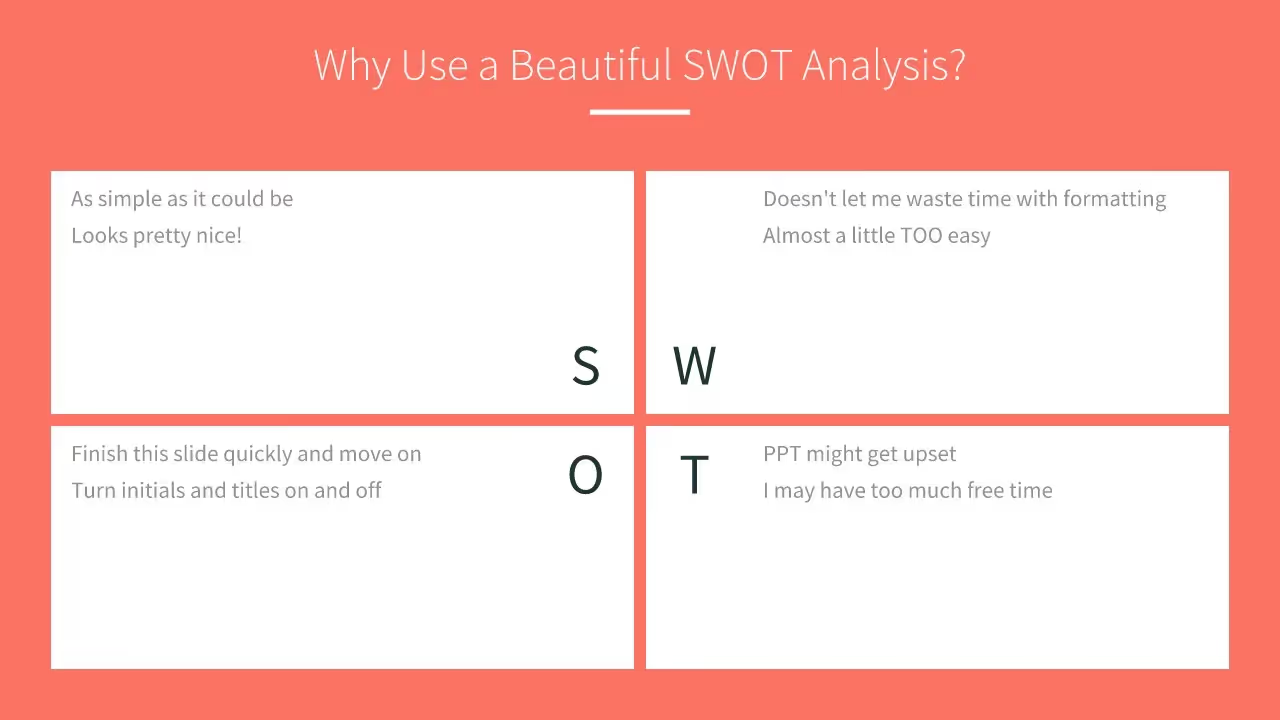
SWOT Analysis
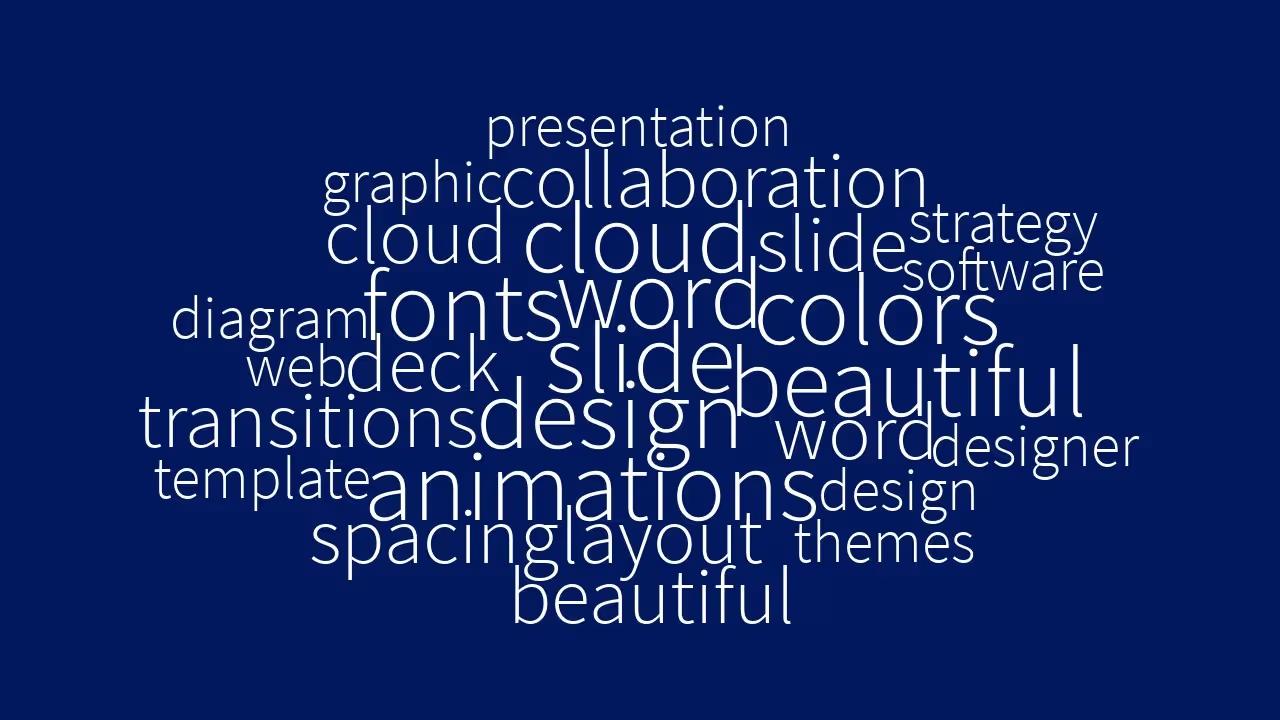
Word Cloud
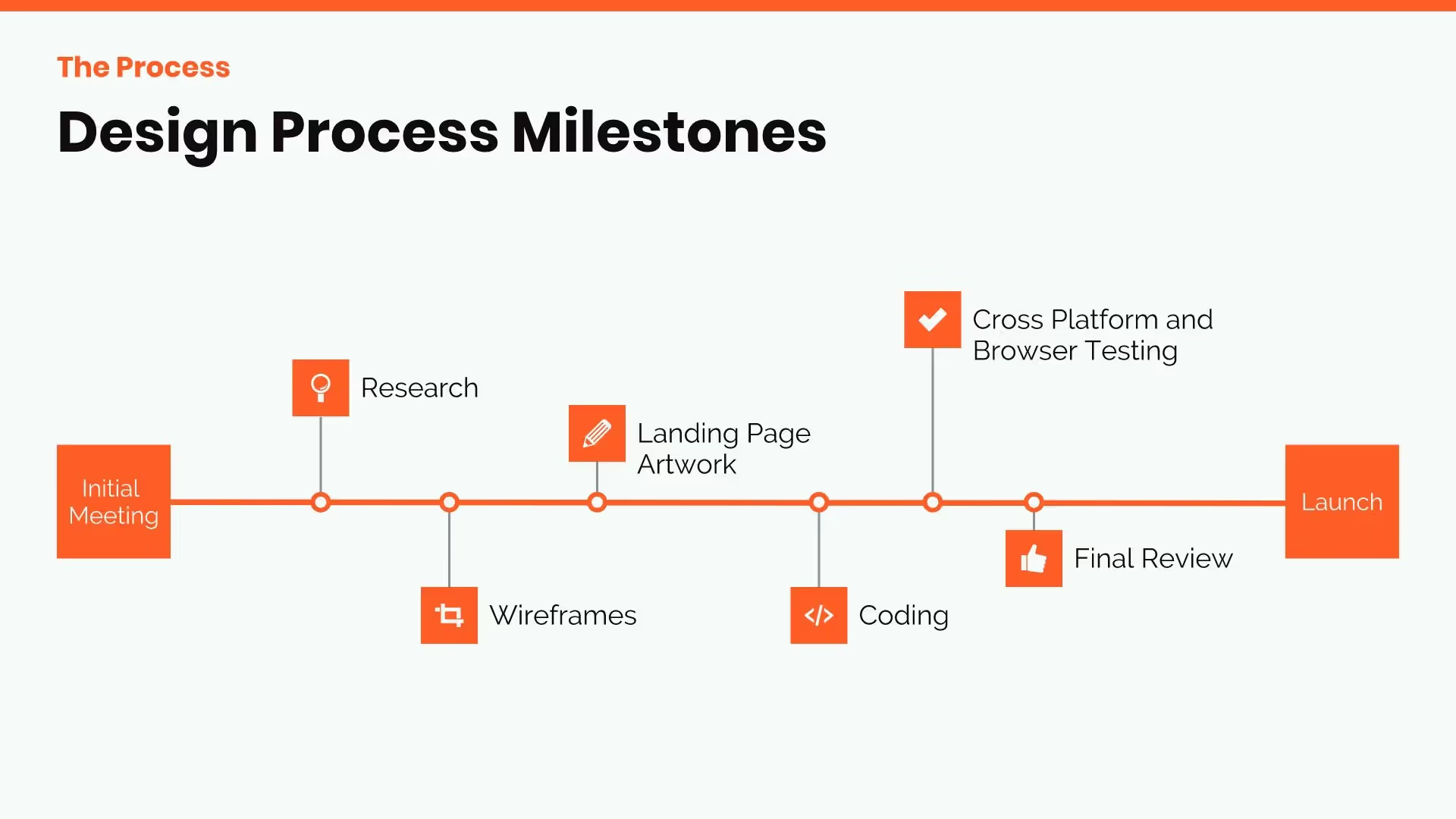
Timeline
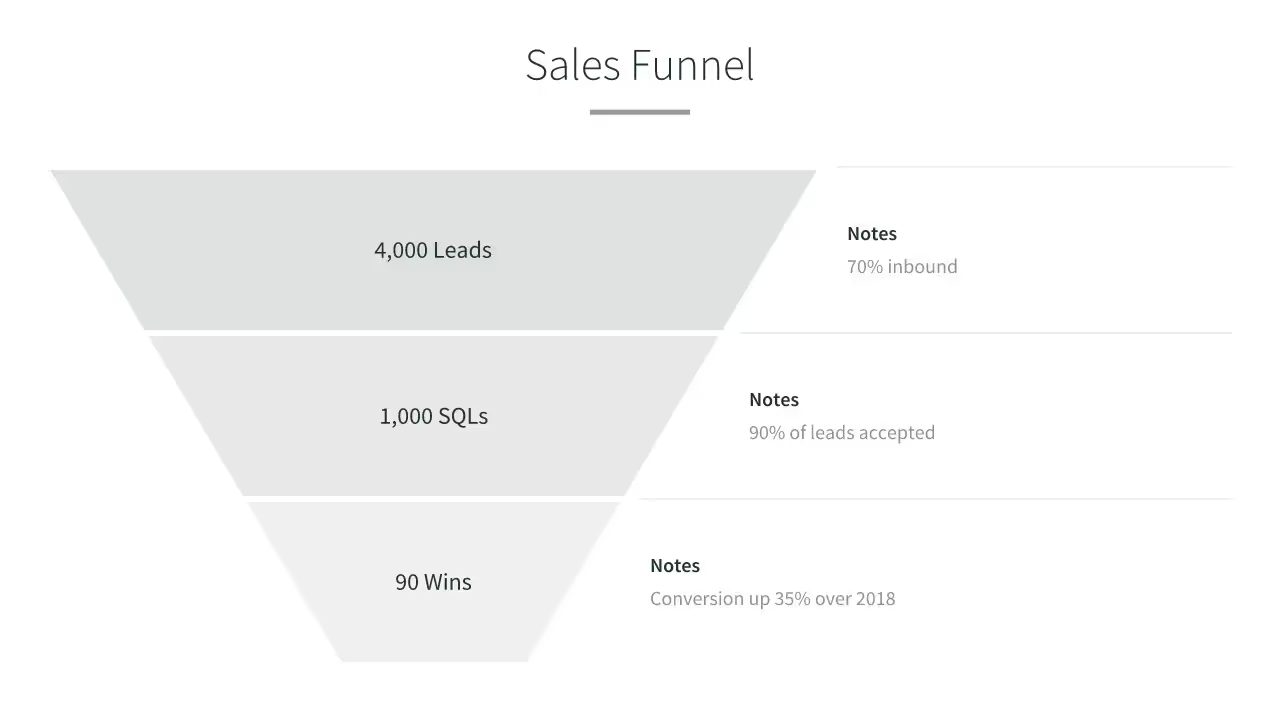
Funnel

Team
AI-powered Smart Slides that do the design for you
Build your next presentation using Smart Slides—the intelligent building blocks behind every Beautiful.ai presentation. Each Smart Slide is customizable, editable with AI, and automatically adapts layout and spacing as your content changes.


“Beautiful.ai helps us quickly create clear and compelling presentations to share our strategy and results. It has been easy to integrate our branding and to pull from the library of materials created by others — building a cohesive and collaborative suite that helps us advance our mission."

"Beautiful.ai increased our efficiency. I mean, 50% sounds crazy, but it's pretty accurate when you consider all of the manual stuff that we used to have to do that Beautiful.ai now does for us."

"What you guys have created is a foolproof way to ensure quality presentations. It's almost just like they have a graphic designer over their shoulder while they're creating their decks."

“For any business owner or entrepreneur where time is of the essence you lose the ability to put those nice touches on presentations, Beautiful.ai does it for you, especially if you aren't creatively gifted!”

Try it free for 14 days
Start building Beautiful presentations.
Frequently asked questions
Presentation templates are pre-designed slide decks that give you a strong foundation to start your presentation. Instead of starting with a blank slide, you pick a template designed for your purpose—whether it’s marketing, sales, a pitch, or more—and make it your own with just a few clicks. Each one is thoughtfully crafted to give you a head start while keeping your story front and center.
With Beautiful.ai, every template or theme is powered by Smart Slides which means it automatically adapts as you edit and add your content. And now, you can take it even further with AI. Use AI to quickly generate slides from an outline, rewrite text for clarity, or reformat existing content to fit a different style. This means you can start inspired, make quick edits, and let AI help you polish your deck faster than ever.
Users on a Team plan can easily create their own custom themes by designing a deck once and saving it as a template for future use. This is perfect for fast-paced teams who want to maintain consistent branding across multiple presentations. Your saved theme will keep layouts, colors, fonts, and design elements intact, so you can spin up new decks quickly while staying on-brand.
You start by picking a theme based on your goal, then edit each slide and add your own content. As you customize, the slides automatically adapt and reformat, ensuring everything stays beautifully aligned and professionally designed. This frees you from tedious design work so you can focus on telling a clear, compelling story.
Smart Slides are the foundation of Beautiful.ai’s presentation platform. They’re interactive, intelligent slide layouts that automatically adapt as you edit, so your content always stays beautifully aligned and professionally designed. No more nudging text boxes or resizing images. Smart Slides keep every slide consistent and clean.
Yes. With Themes and Brand Control, you can define your brand’s fonts, colors, logos, and layouts once—and every presentation will follow those rules automatically. For teams and enterprises, you can also lock design elements, share branded templates, and manage editing permissions to ensure every deck stays consistent and professional.
